Conference Engagement Technology
Live polls, Q&A upvoting, B2B matchmaking and stage games that delegates join by scanning a QR code.
Discuss your workflow- No App Download Required
- Automated Q&A Moderation
- Instant Session Analytics
Sound familiar?
When delegates stop listening and stay in their seats
Passive Audience Response
Delegates just sit and listen to long speeches without asking questions or sharing real feedback.
Low B2B Networking Value
Attendees find it difficult to identify and connect with the right buyers, investors, or corporate partners.
Slow & Awkward Q&A Sessions
Passing physical wireless microphones around large hall tables wastes precious session time.
Post-Lunch Energy Slump
Audience attention and room energy drop significantly during afternoon panel sessions.
Quick quiz
Which tool fits your conference?
Three questions, no sign-up. Pick the answer closest to your event.
Question 1 / 3
What worries you most about your next conference?
Question 2 / 3
When does the room go quiet?
Question 3 / 3
What should delegates remember afterwards?
Your match
Give the room a voice
Your delegates have opinions but no easy way to share them. Start with live audience polling and a Q&A upvoting wall, so the questions people most want answered reach the stage.
Your match
Wake the room up
The content is fine; the energy is the problem. Put a short stage game between sessions, such as the team button smash challenge or a big-screen lucky draw.
Your match
Help people meet
Your delegates came to meet each other. The business matchmaking app lets them find the right people and request meetings during the event.
Your flight plan
A simple process from preparation to your conference day.
- 1
Review conference agenda & goals
We map out your session timetable, panel Q&A slots, voting timings, and B2B networking rules.
- 2
Customize web portal & branding
We add your conference logo, speaker profiles, sponsor banners, and brand color theme to the web system.
- 3
LED screen rehearsal & dry run
Our technicians test screen triggers, Q&A moderation dashboard, and server capacity before delegates arrive.
- 4
Live event control & moderation
Our technical crew operates the moderation desk live during keynotes and provides instant data reports.
A closer look at the process
No app to install, live moderation, reports generated for you
No App Download Required
Delegates access voting, Q&A, and networking tools instantly via smartphone web browser by scanning table QR codes.
Automated Q&A Moderation
Filter duplicate questions or inappropriate text automatically before displaying approved questions on the main screen.
Instant Session Analytics
Export audience poll reports, Q&A question records, and B2B meeting logs immediately after the conference finishes.
Worth a detour
Web tools for Q&A, polling and networking
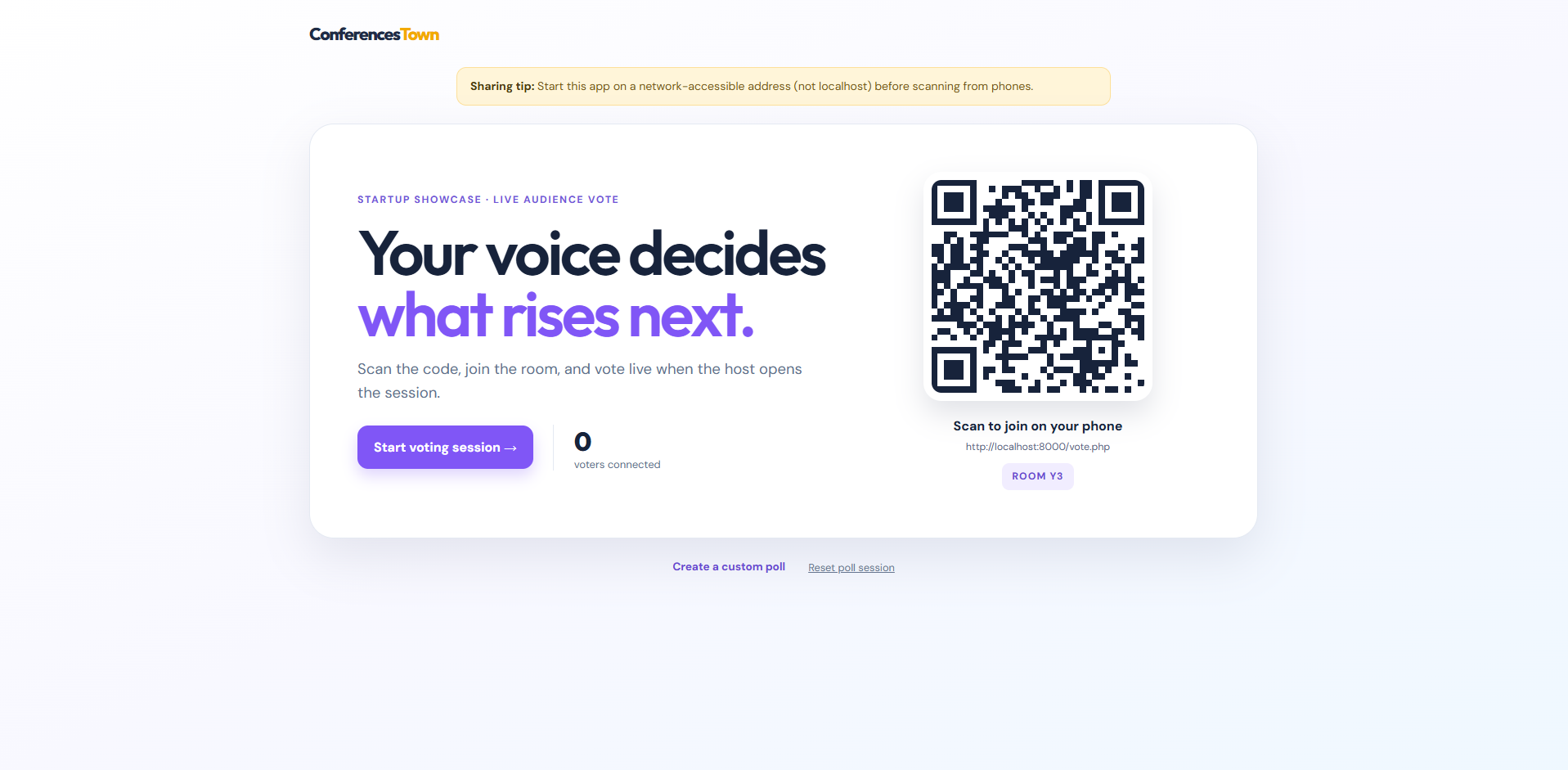
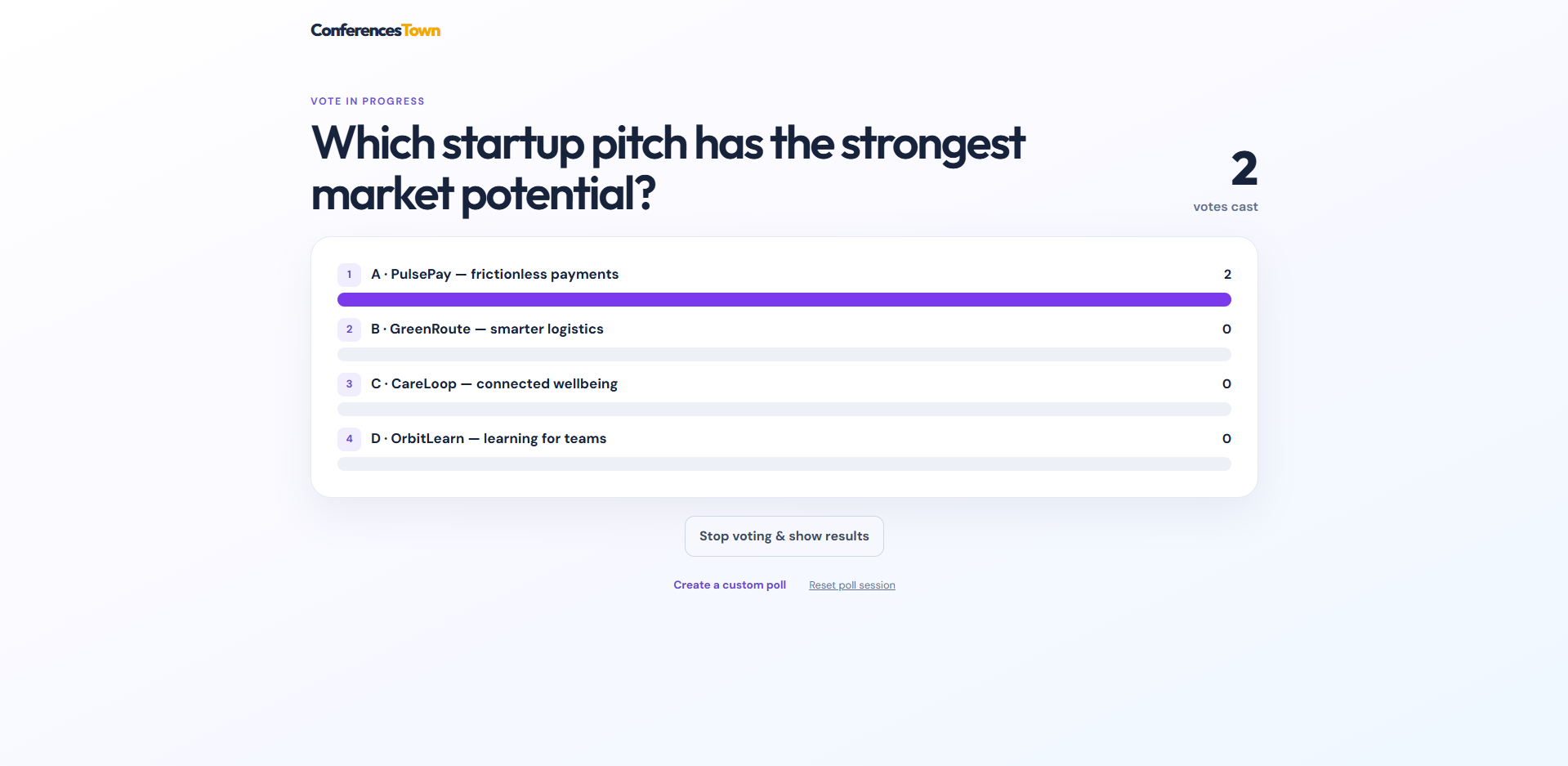
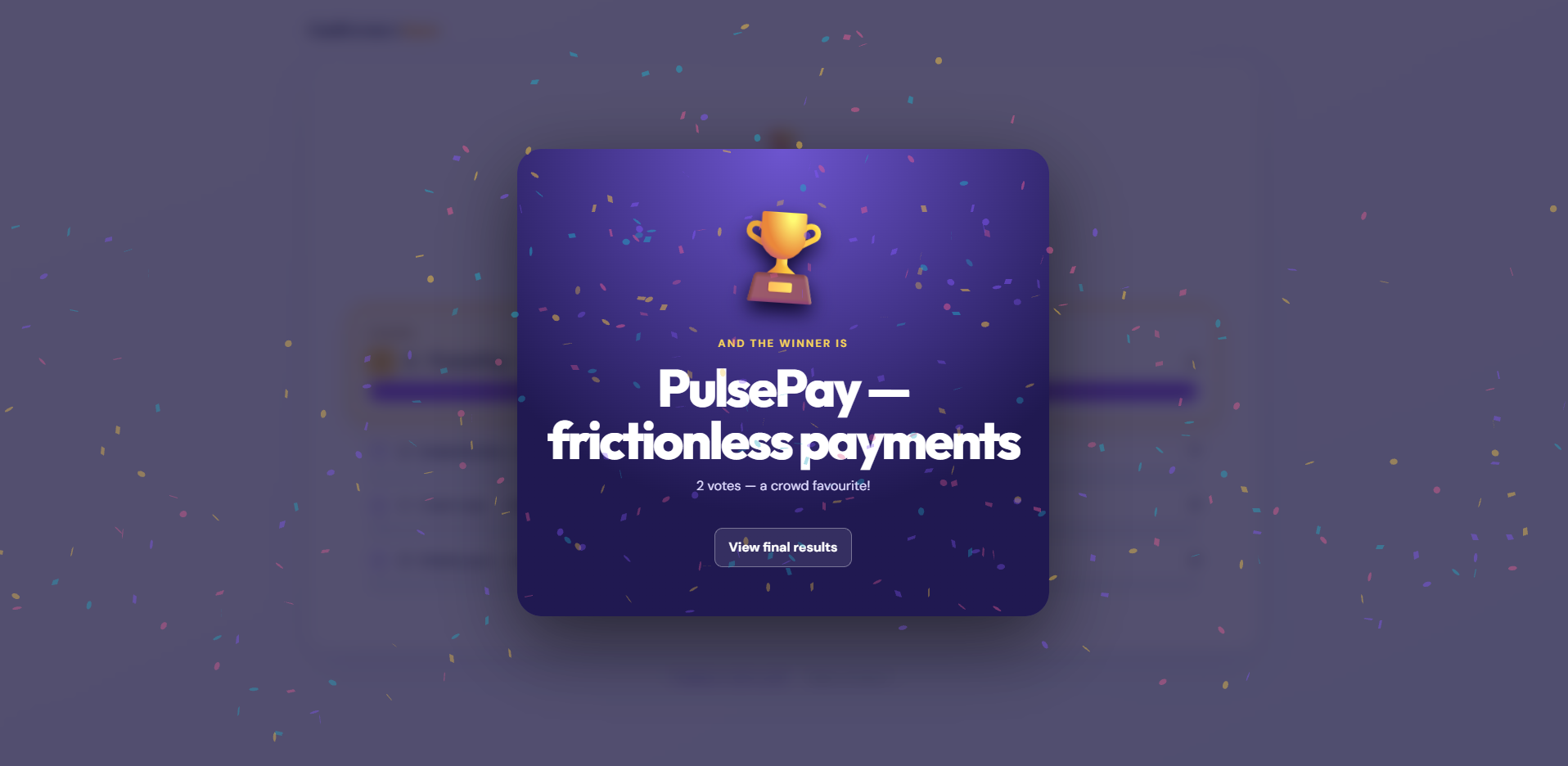
Live Audience Voting & Polling System
An instant mobile polling tool where conference delegates scan a screen QR code to answer multiple-choice questions and view live results on stage.
Best for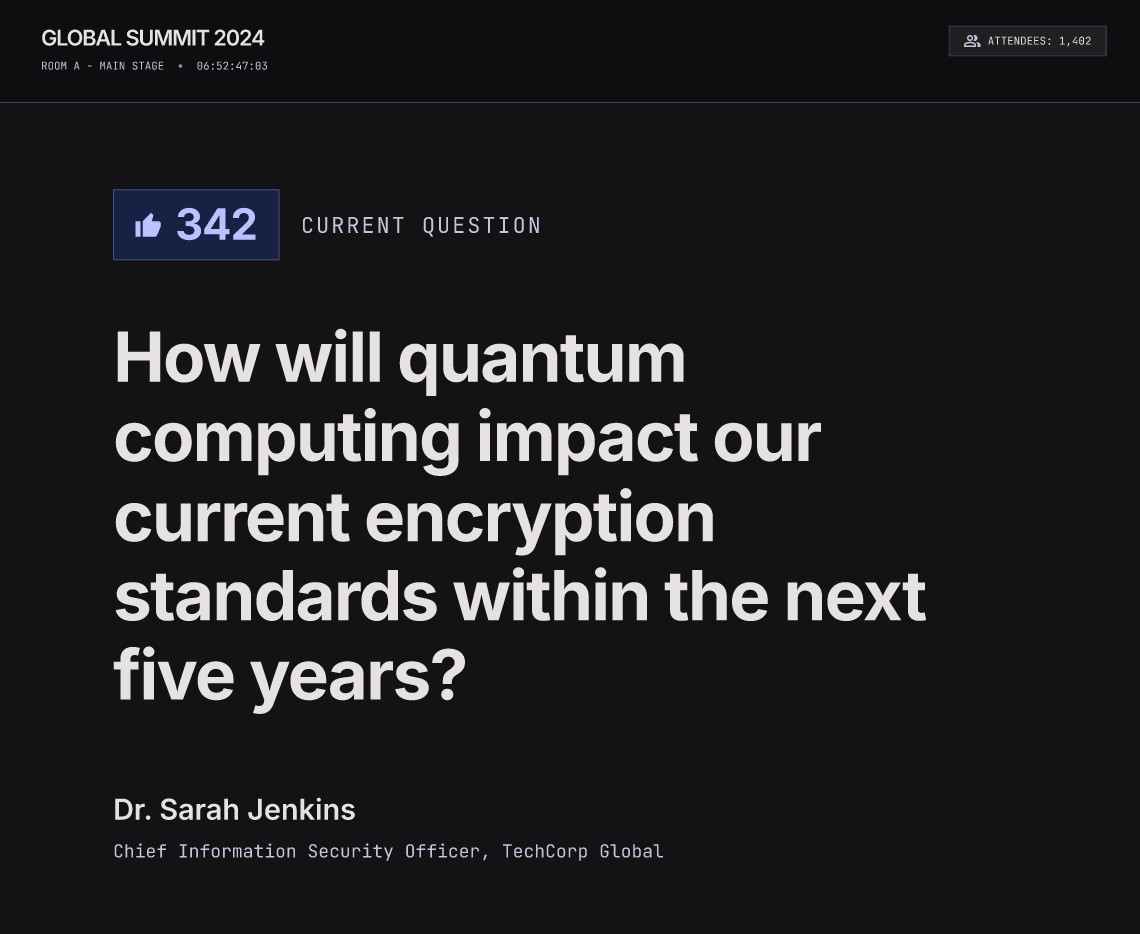
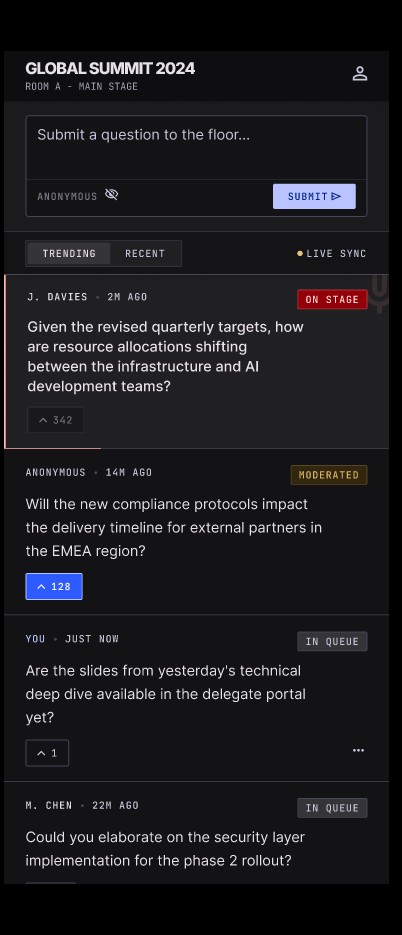
Live Q&A & Upvoting Wall
A digital Q&A platform where delegates type questions on their smartphones and upvote popular questions from other attendees.
Best for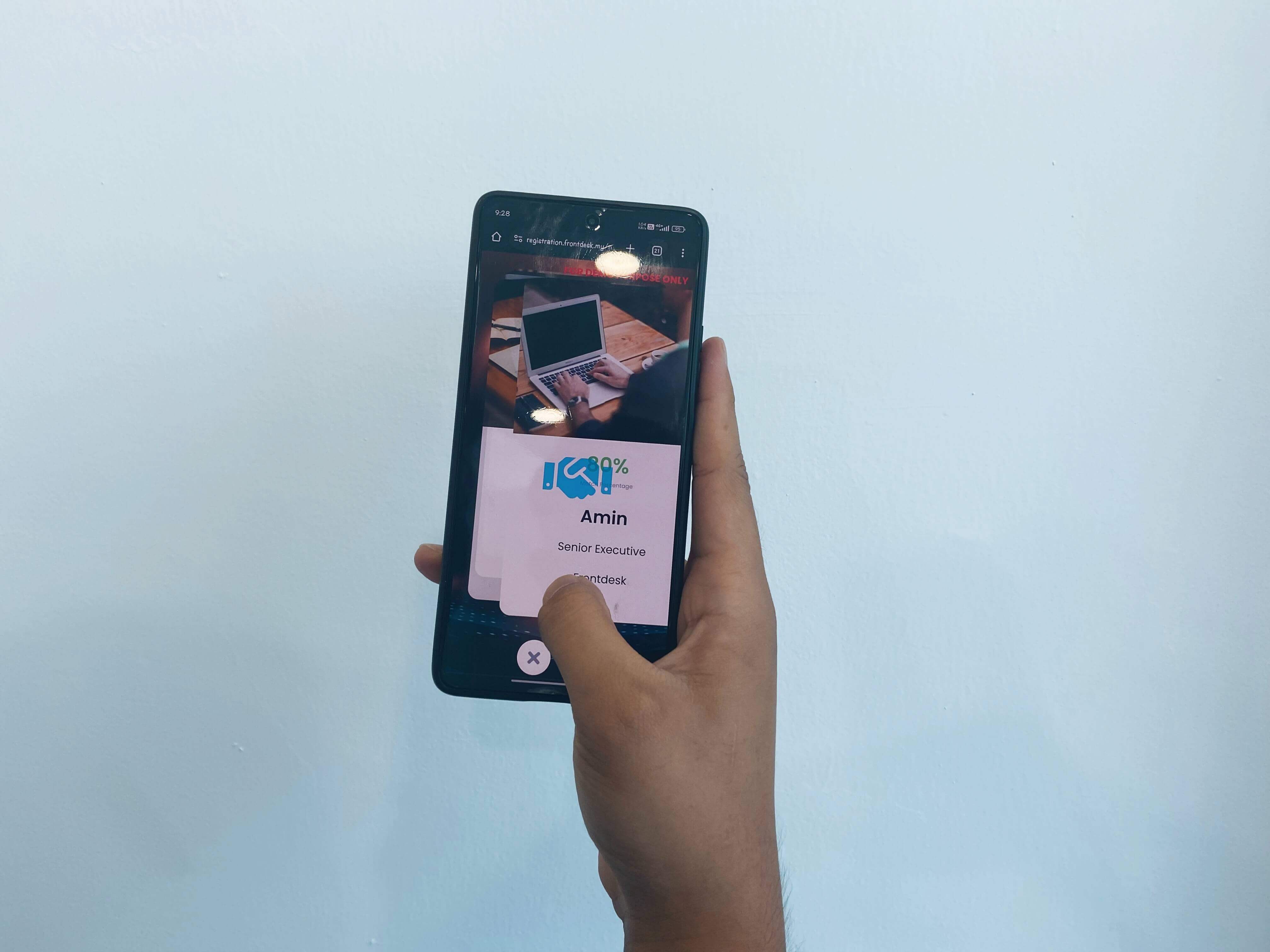
Business Matchmaking App
A B2B web app that matches delegates based on buying needs or industry interests and lets them swipe profiles to book 1-on-1 meetings.
Best for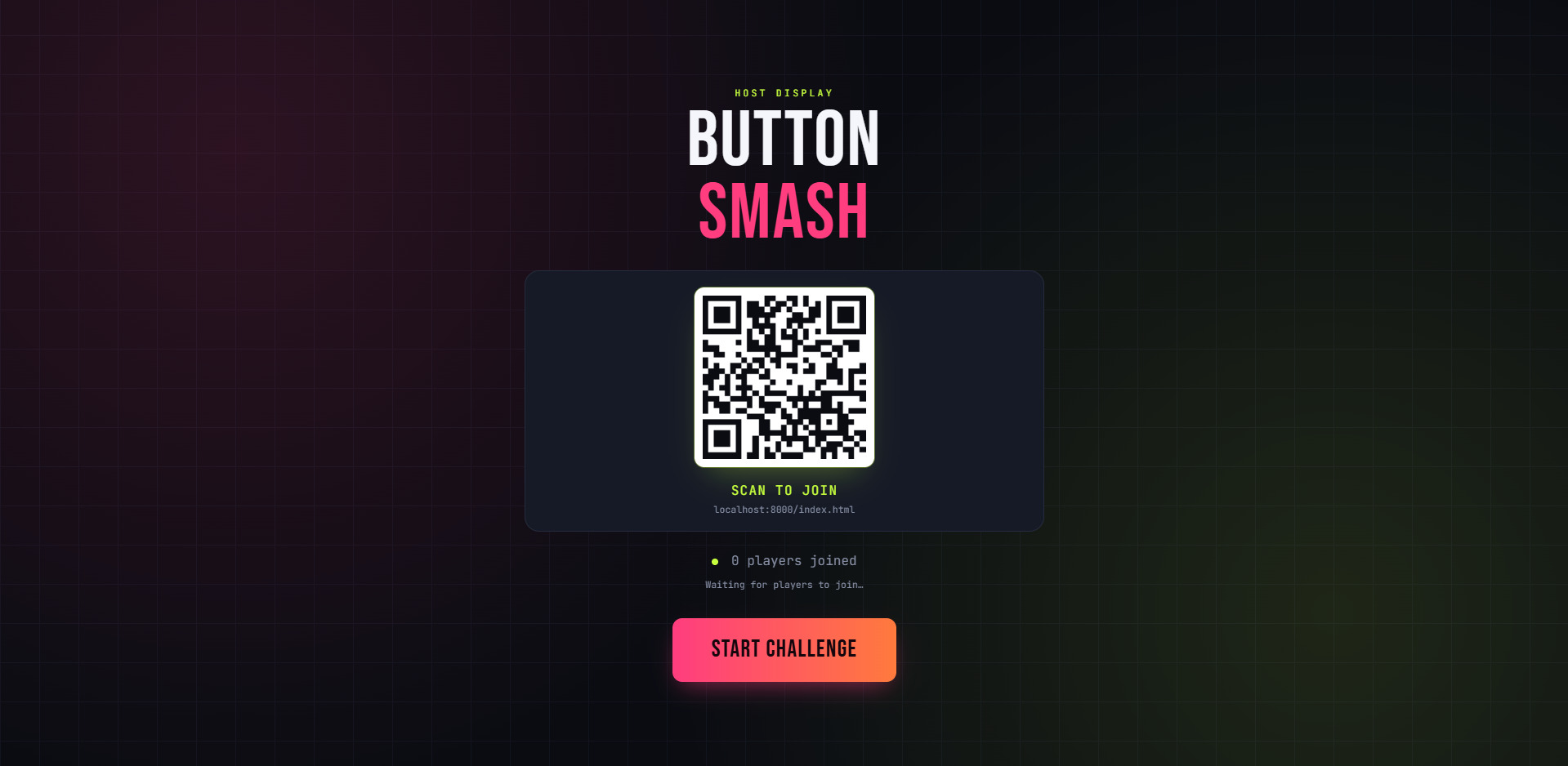
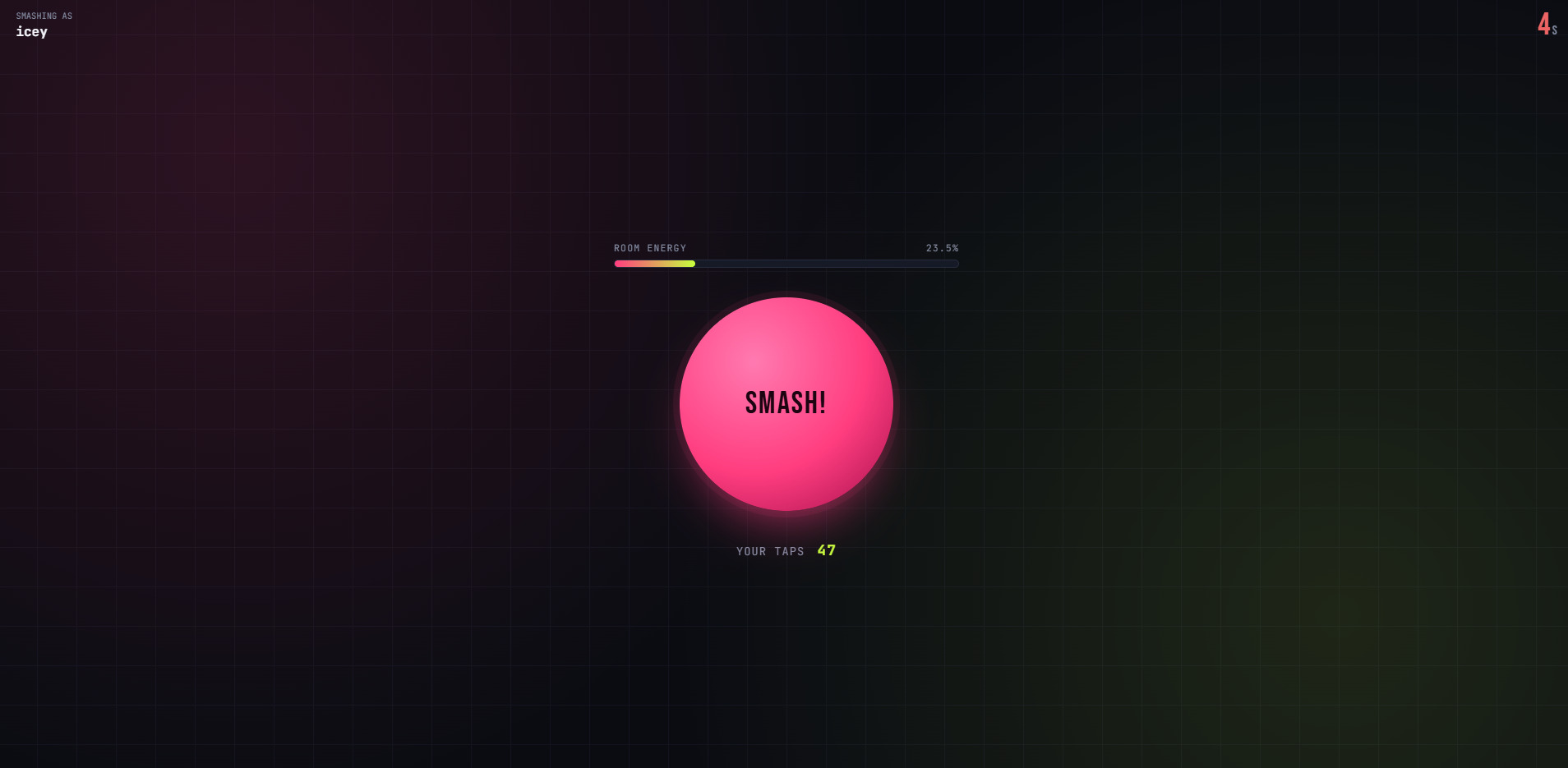
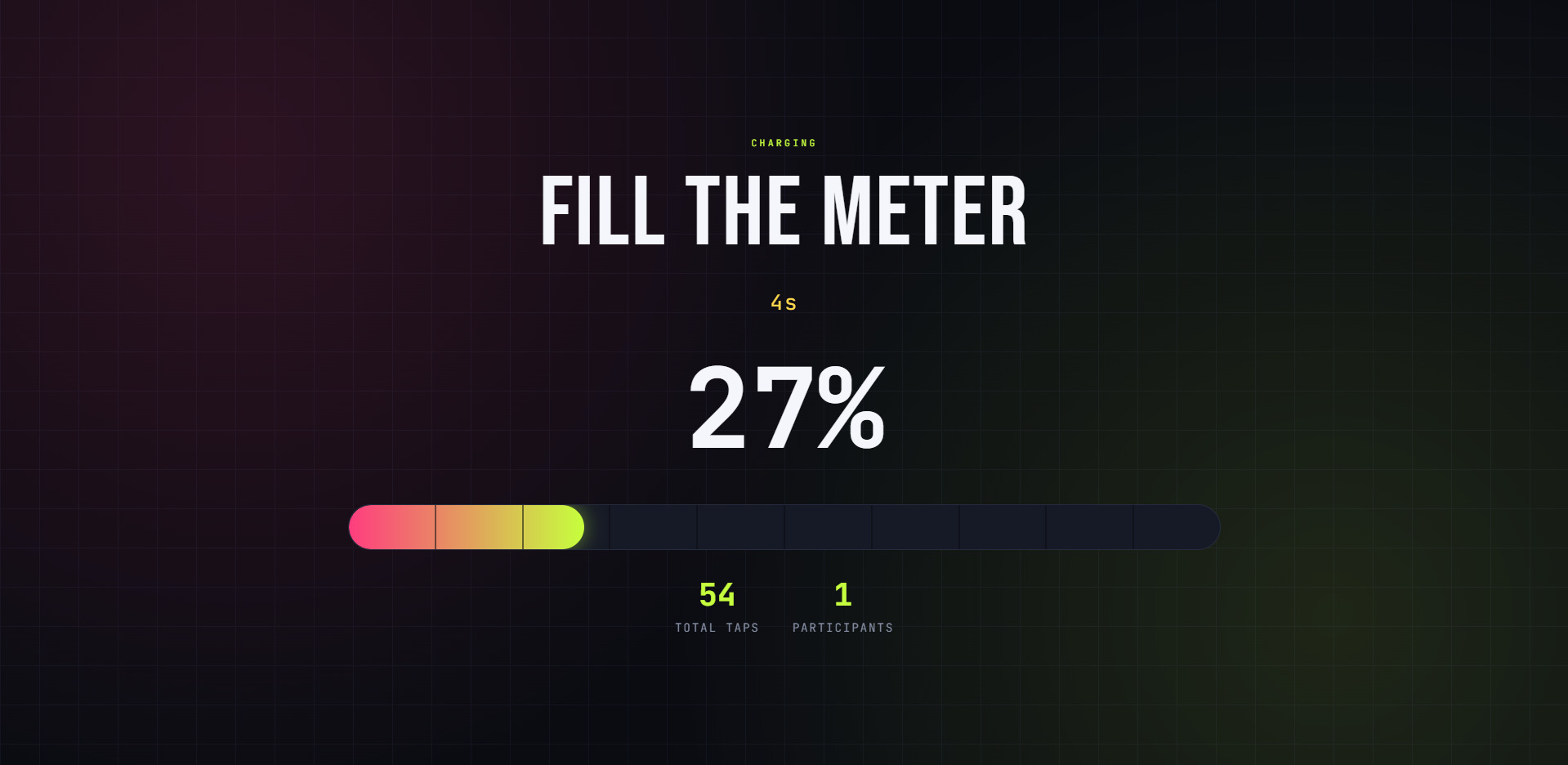
Team Button Smash Challenge
A group energizer game where delegates tap a button on their mobile screens as fast as possible to fill a progress bar on the main stage screen.
Best for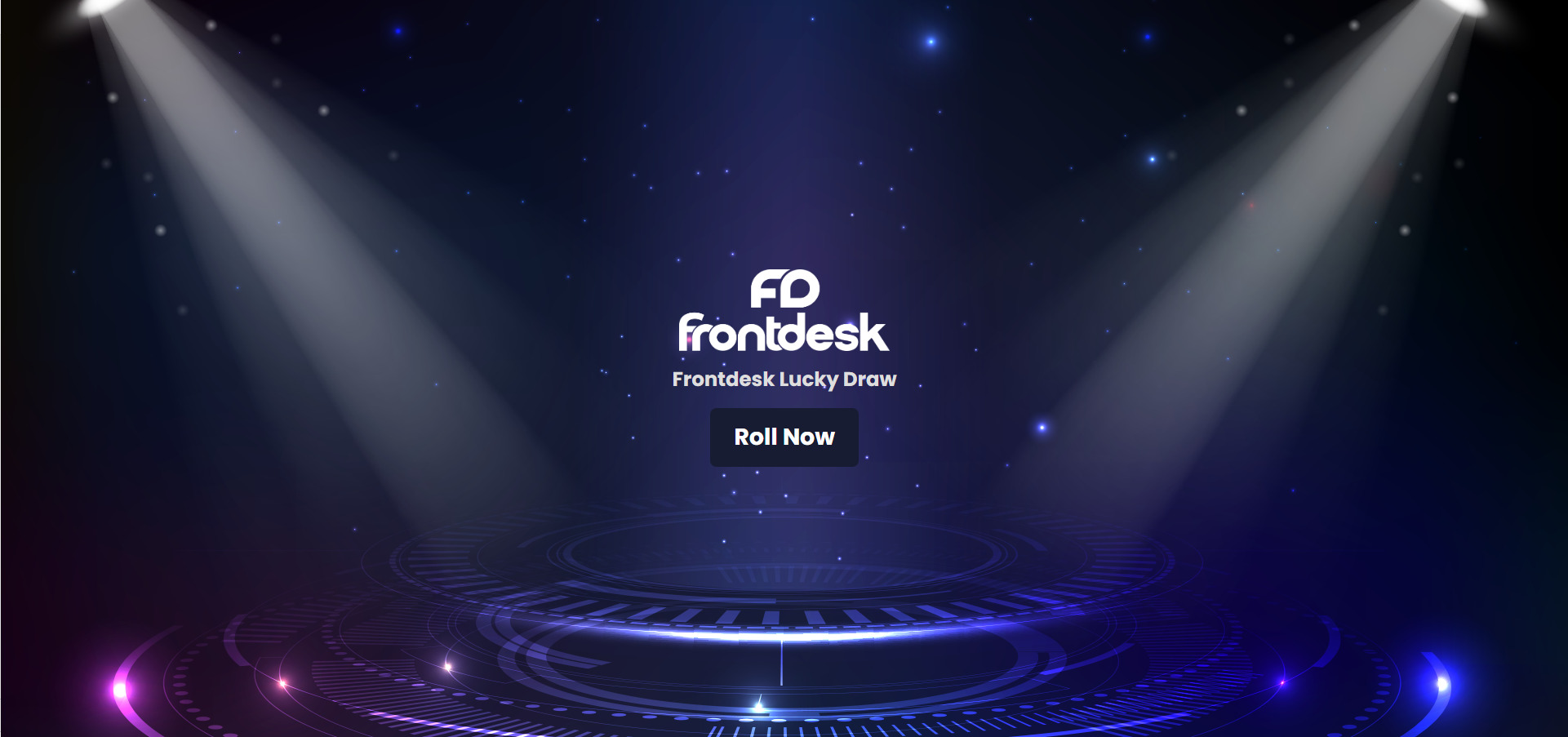
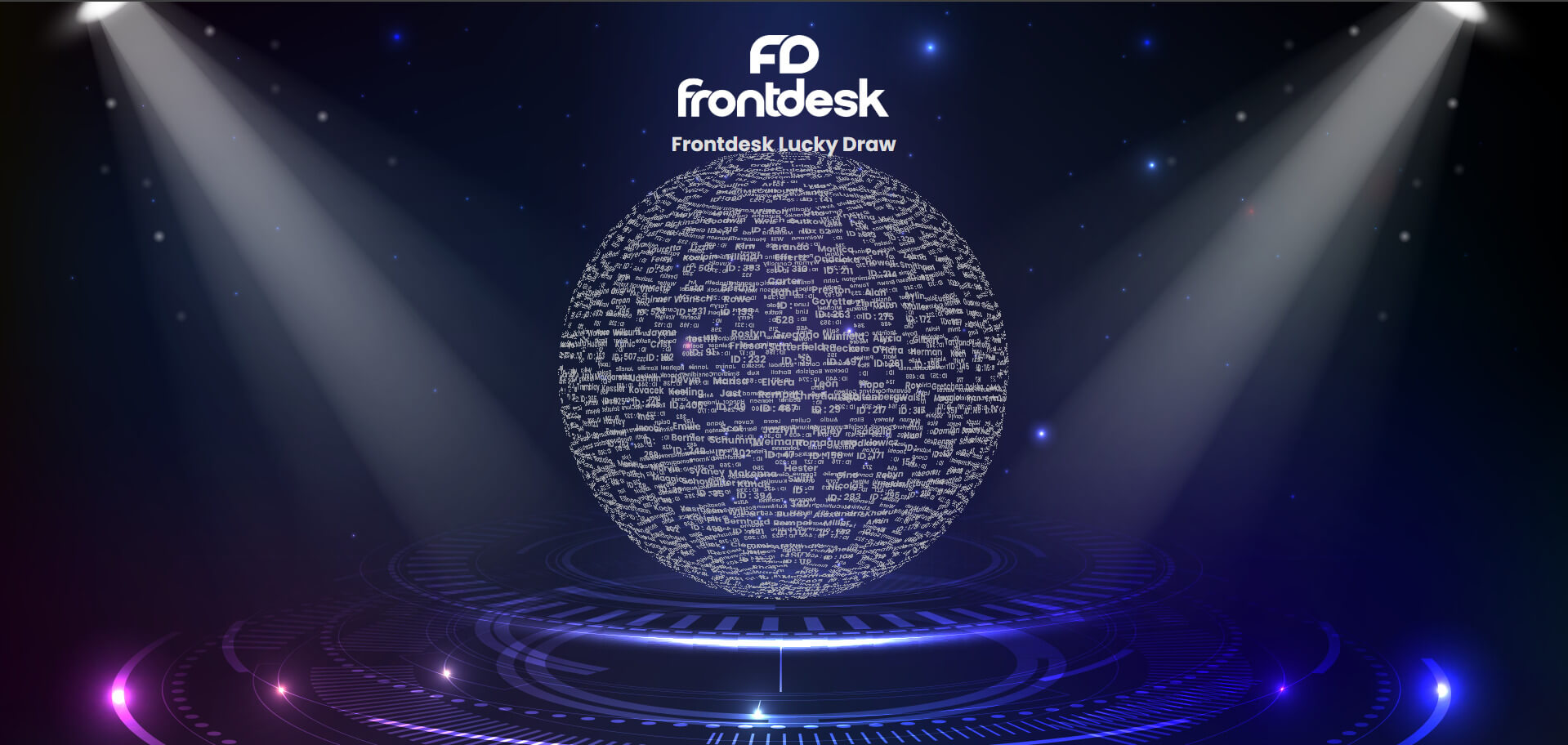
Big Screen Stage Lucky Draw
A grand visual lucky draw system displayed on the main stage LED screen, controlled by event organizers using an iPad.
Best for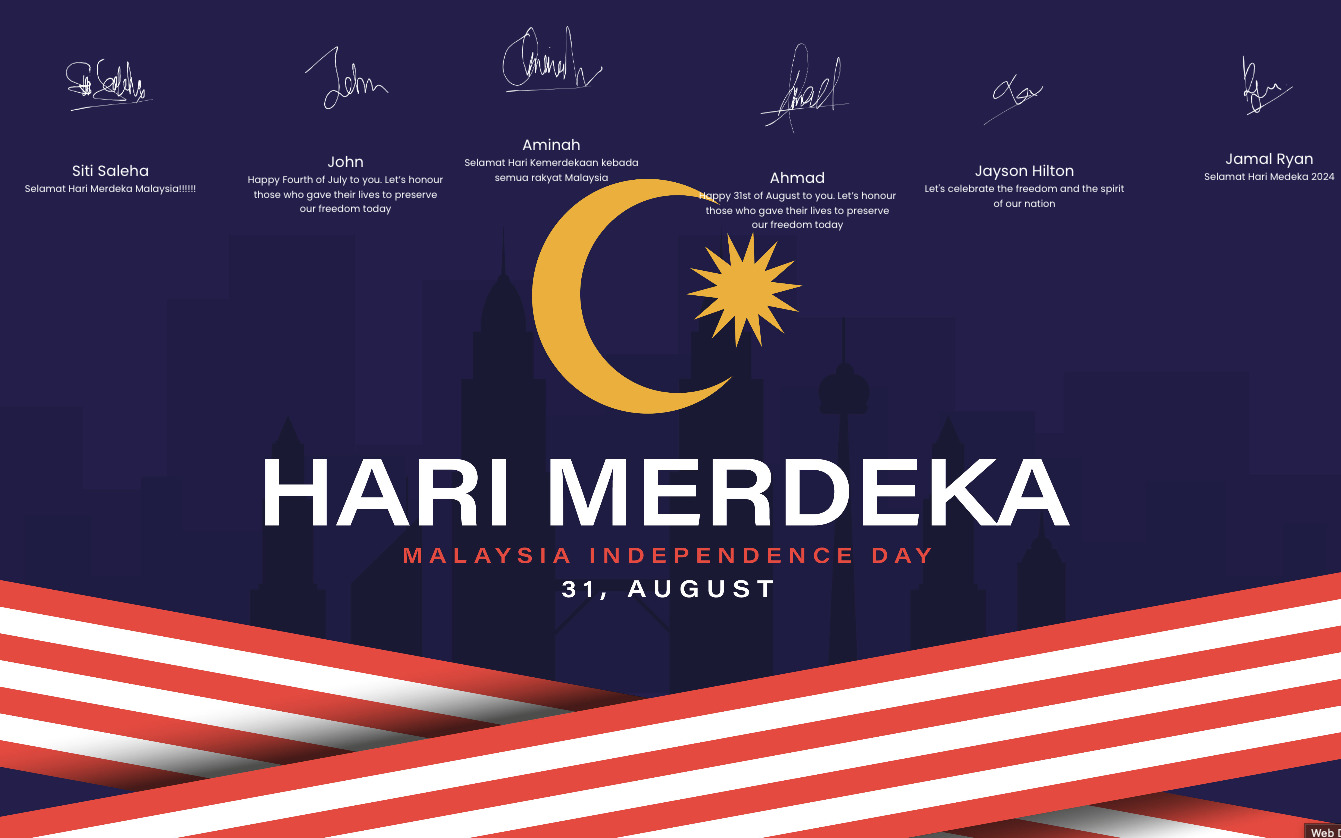
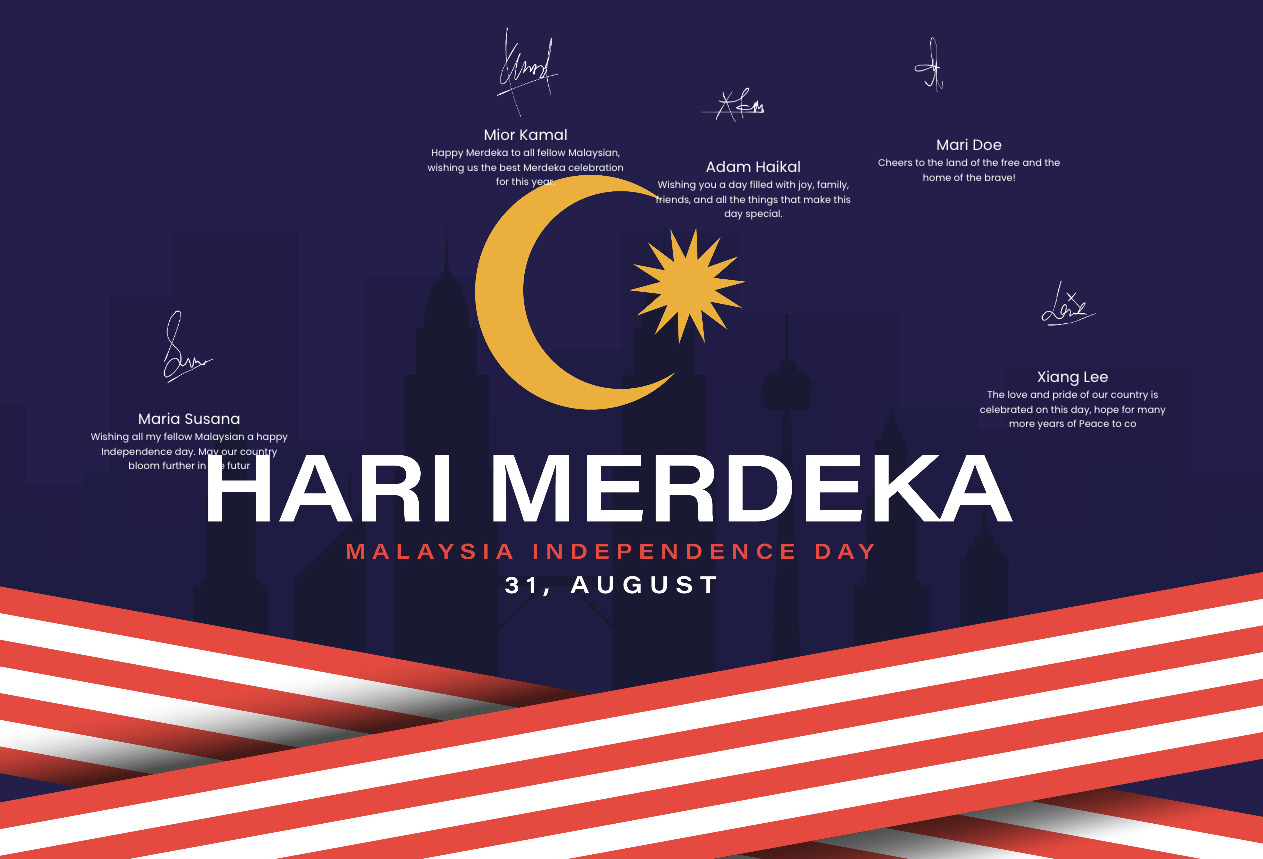
Digital Wishing & Message Wall
Delegates scan a QR code on their table to post text comments, takeaways, or team photos directly to the main display screen.
Best for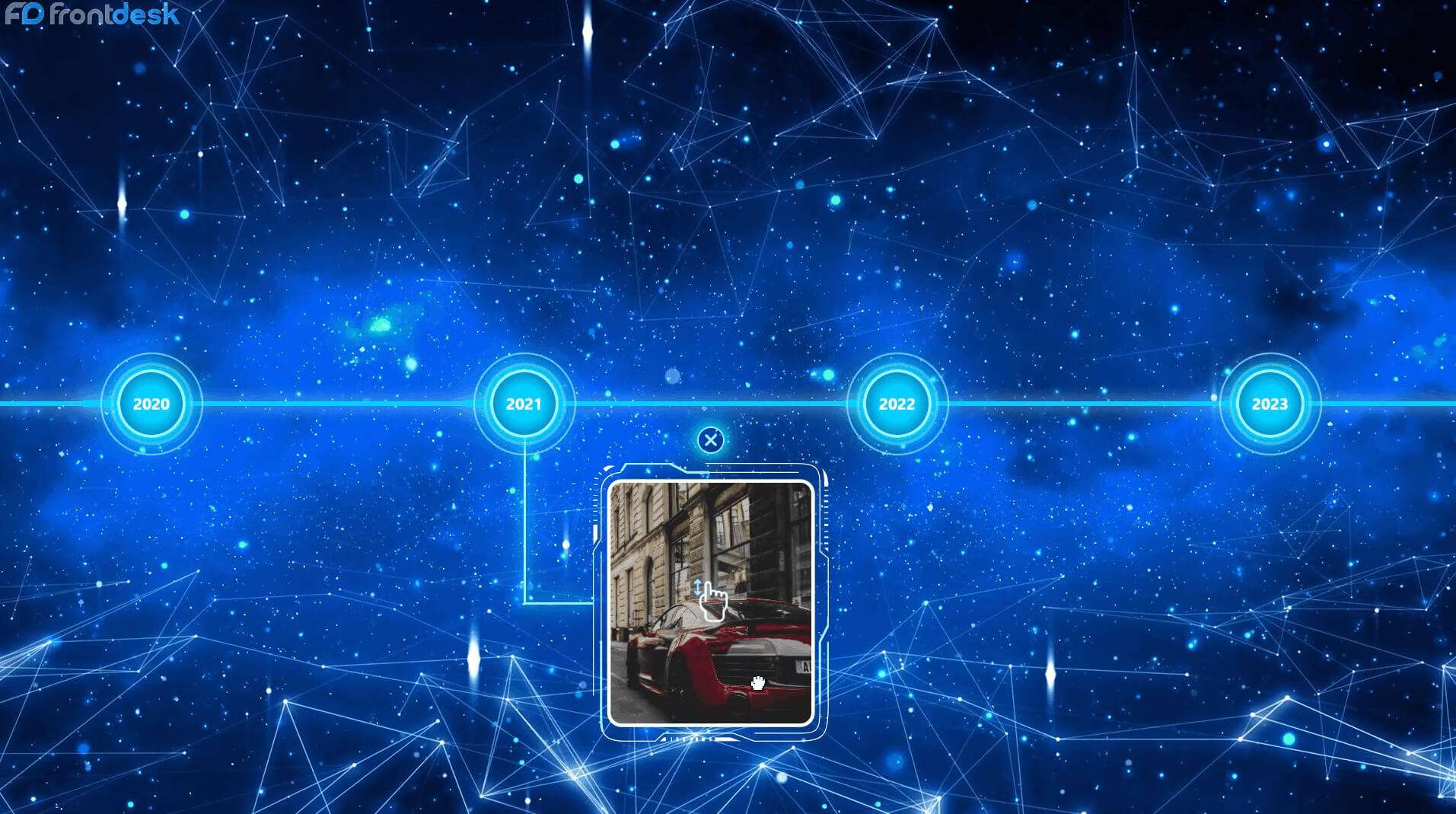
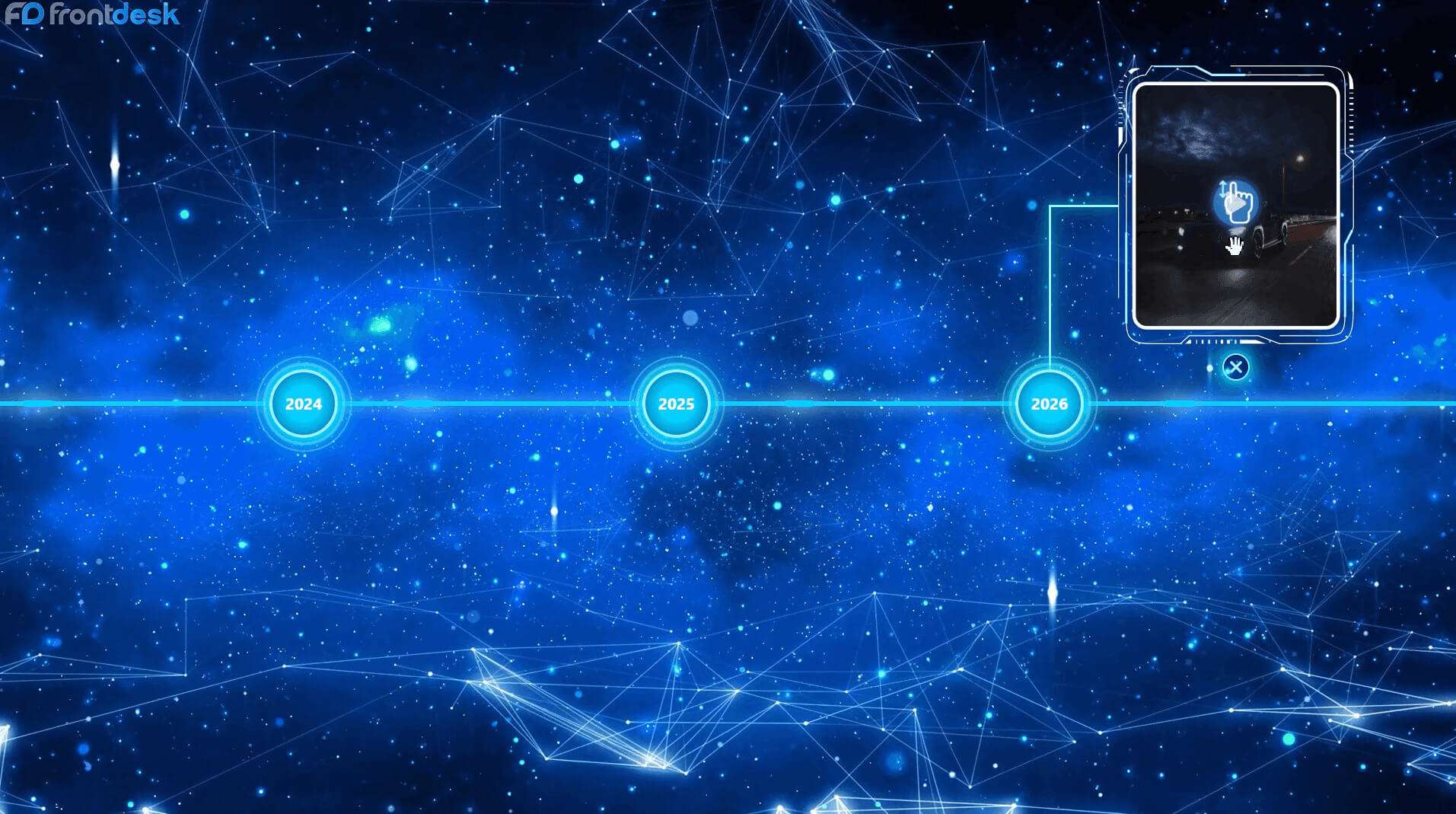
Interactive History & Milestone Timeline
A large touchscreen display that lets delegates click through company milestone years, videos, and historical achievements.
Best forDigital Signature & VIP Check-In Wall
A check-in tablet where keynote speakers and VIP delegates write their signatures, animating their signature live onto a large LED screen.
Best for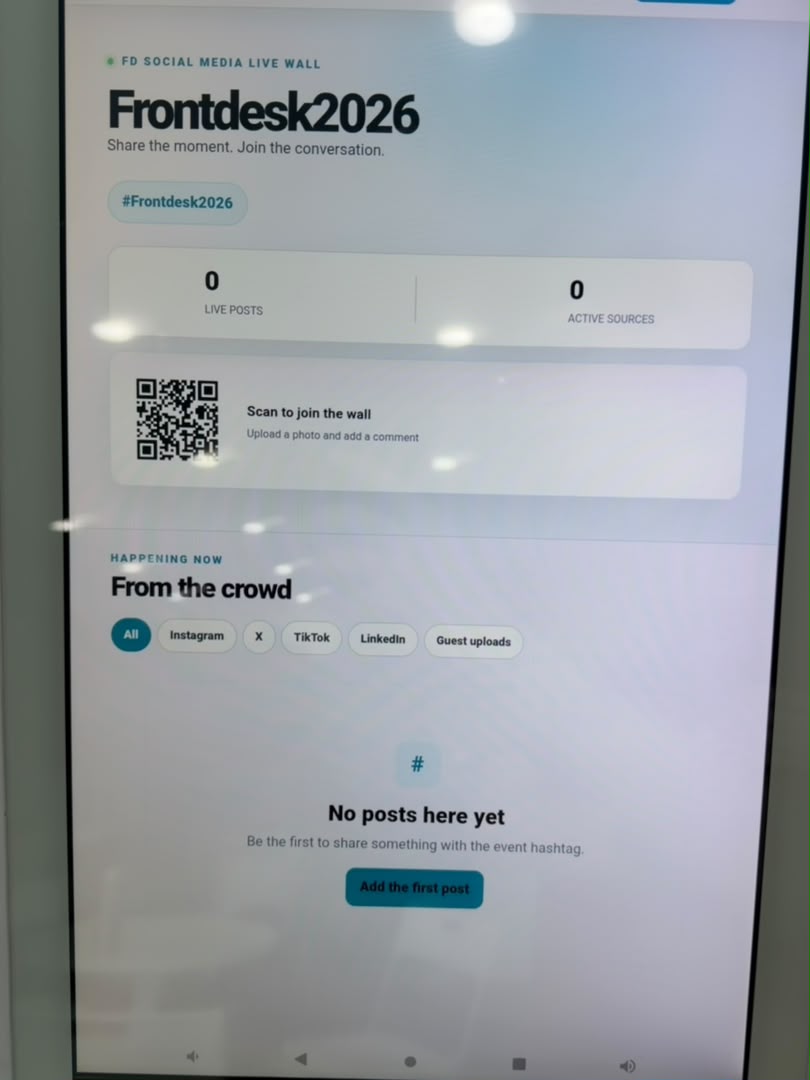
Social Media Live Hashtag Wall
A digital display screen that automatically collects and shows public social media posts using your official conference hashtag in real time.
Best for
No technologies match your search. Please try another keyword.
Where it is used
Conferences and seminars
Delegates scan a QR code to join live polls and submit questions, with no app to download.
Panel discussions
The audience upvotes questions from their phones, so the moderator takes the most wanted ones first.
B2B networking sessions
Delegates browse each other's profiles and request meetings through the business matchmaking tool.
Connect the parts of the workflow that should work together.
- Our conference engagement tools integrate smoothly with leading event management software, CRM platforms, and third party tools.
- Easily sync attendee lists, export Q&A reports, send WhatsApp reminders, and stream live poll results directly to main stage LED screen.
- For guest sign-up and arrival, combine this with our Event Registration and Check-In & Badge Printing.