Queue Management
A virtual queue for busy booths: visitors join by kiosk or QR and get their turn by WhatsApp or SMS.
Discuss your workflow- Instant WhatsApp & SMS Turn Alerts
- 1-Tap Wireless Staff Tablet
- Overhead Queue Display Screens
- Runs on Devices You Already Have
Sound familiar?
Why physical queues cost booths sales
Blocked Passageways & Crowd Chaos
Long physical lines clog booth entrances, block product displays, and annoy neighboring exhibitors at busy trade shows.
Lost Sales from Walkaways
High-value customers leave when they see long queues because they do not want to waste time standing in line.
Manual Staff Calling Errors
Staff shouting queue numbers or using paper waiting lists creates noise, confusion, and missed customer turns.
Lack of Queue Analytics
Event managers have no clear data on total visitors served, average customer wait times, or peak crowd hours.
Try it yourself
Join the queue
Type your name and join. Visitors do not have to stand in line. They get a message when it is their turn.
Hi there, you are in the queue. Feel free to walk around. We will message you when it is your turn.
Your flight plan
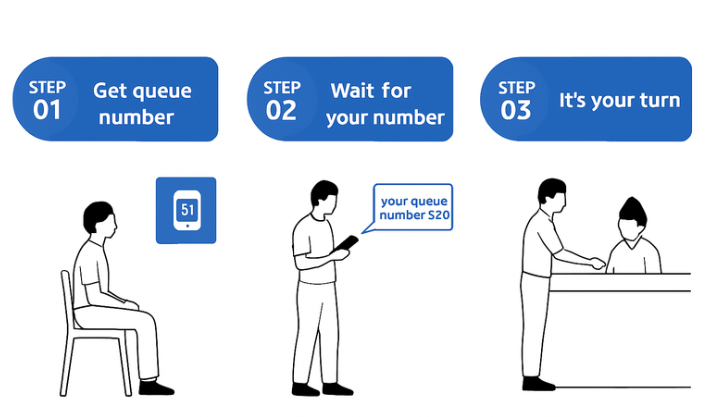
A simple 4-step virtual queue workflow for events.
- 1
Hardware setup & branding
We set up your self-service touch kiosks, wireless calling tablets, thermal printers, and branded landing page with your event key visual.
- 2
Visitors register mobile number
Visitors enter their phone number at the kiosk or scan a QR code on their phone to join the virtual queue.
- 3
Receive ticket & explore booth
A ticket number is sent via WhatsApp or SMS (and printed if selected), allowing visitors to walk around comfortably while waiting.
- 4
Staff call turn via tablet
Staff tap Next on their tablet, sending an instant WhatsApp notification to the visitor while updating the overhead TV screen.
A closer look at the process
WhatsApp turn alerts, one-tap calling, live queue screens
Instant WhatsApp & SMS Turn Alerts
Visitors receive automatic mobile notifications when it is their turn, eliminating the need for staff to shout numbers.
1-Tap Wireless Staff Tablet
Booth crew use responsive tablets to call the next number, recall absent visitors, or skip missed tickets instantly.
Overhead Queue Display Screens
Keep the booth organized by displaying live serving numbers and promotional video ads on large TV or LED screens.
Runs on Devices You Already Have
The queue runs in a browser on any existing tablet, Smart TV or PC, so there is no special hardware to buy.
Worth a detour
Queue setups, hardware options and add-ons
Fully Digital Mobile Virtual Queue
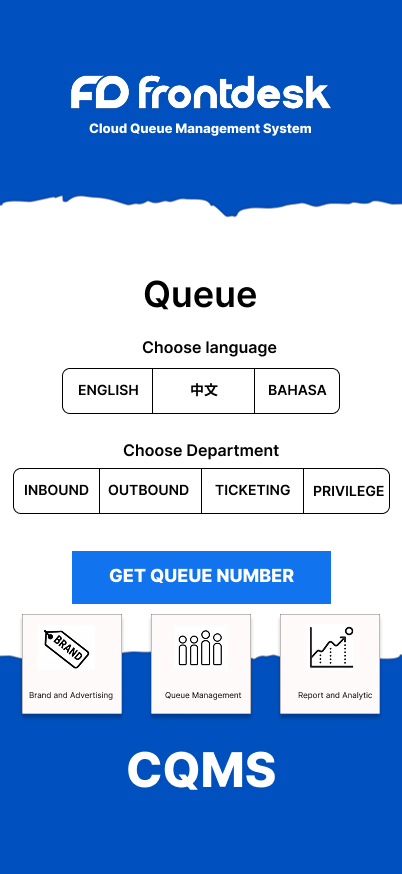
A paperless queue setup where visitors scan a QR code at your booth to open a branded web landing page and enter their phone number.
Best for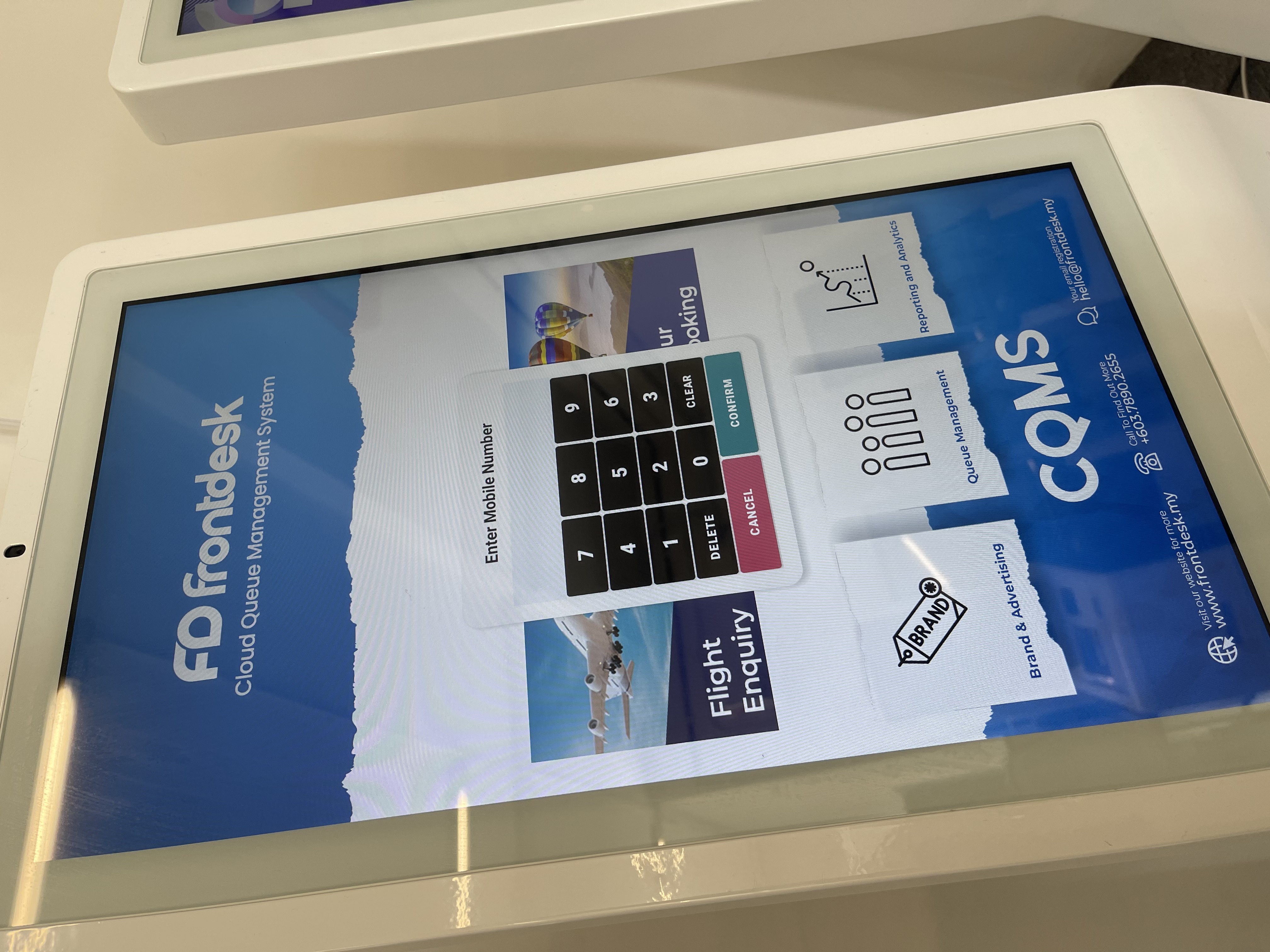
Touchscreen Self-Service Registration Kiosk
A sleek floor-standing touchscreen kiosk where visitors key in their phone number to join the virtual line.
Best for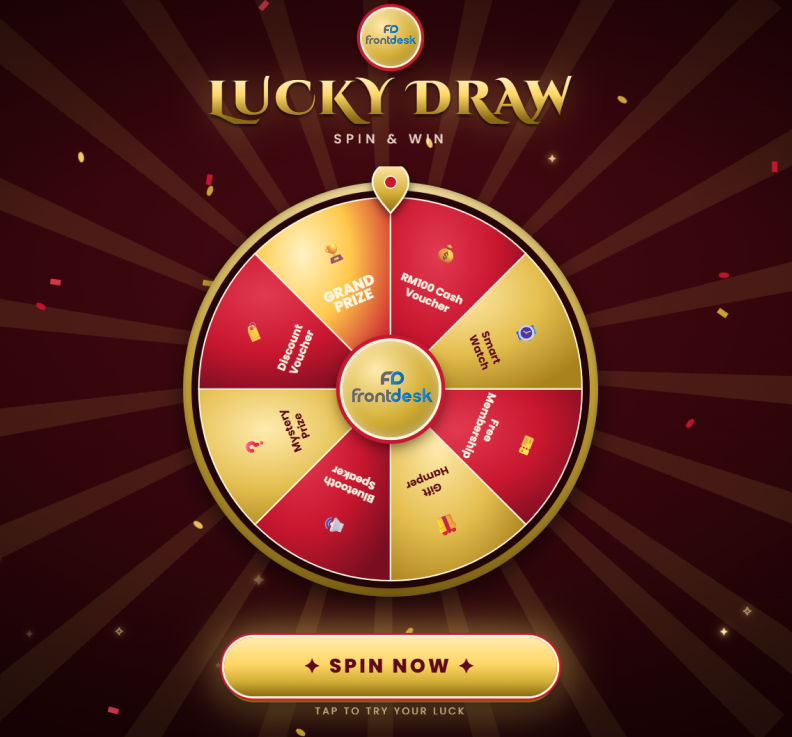
Self-Service Kiosk with Instant Lucky Draw
A kiosk registration flow that allows visitors to join the queue and immediately spin a digital wheel or play a fast lucky draw.
Best for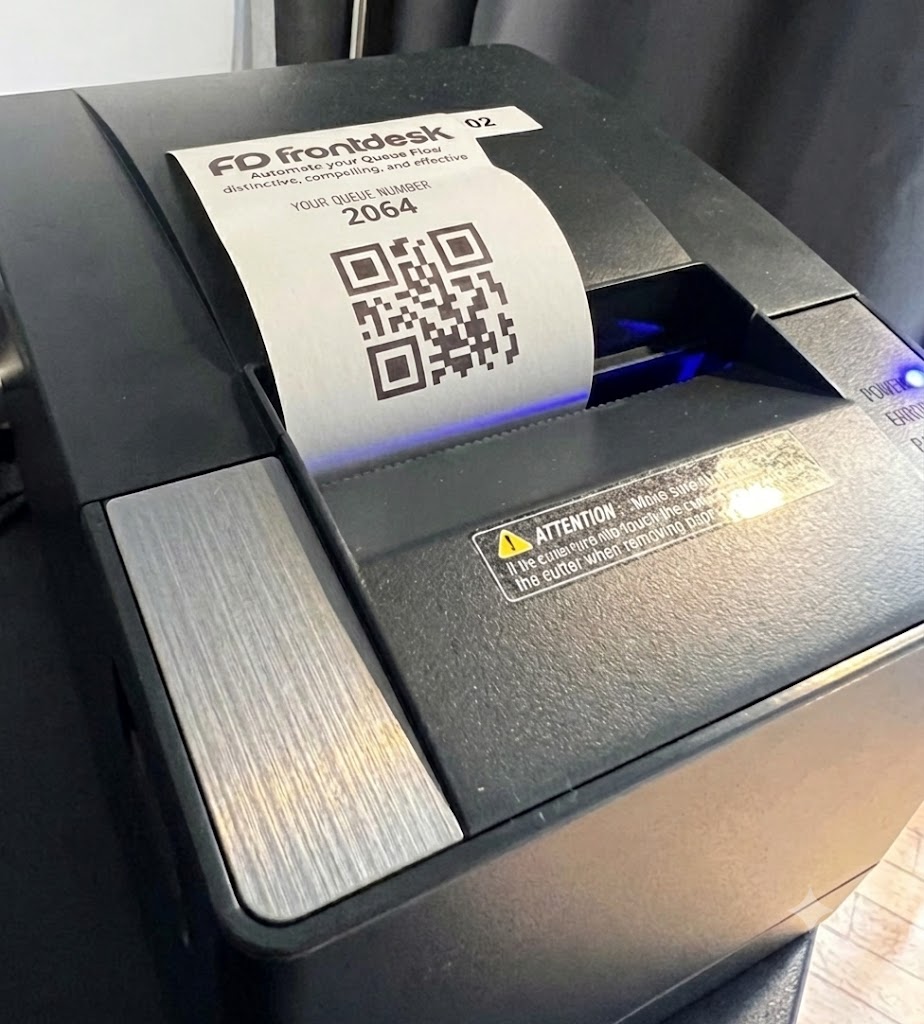
Self-Service Kiosk with Thermal Ticket Printer
A registration kiosk equipped with a high-speed thermal printer that dispenses physical paper queue tickets.
Best for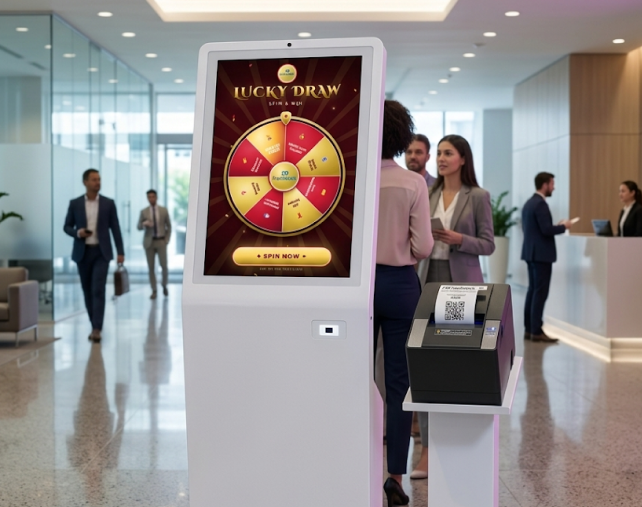
Full Feature Kiosk with Thermal Printer & Lucky Draw
An all-in-one queue kiosk combining digital registration, physical thermal ticket printing, and instant lucky draw mini-games.
Best for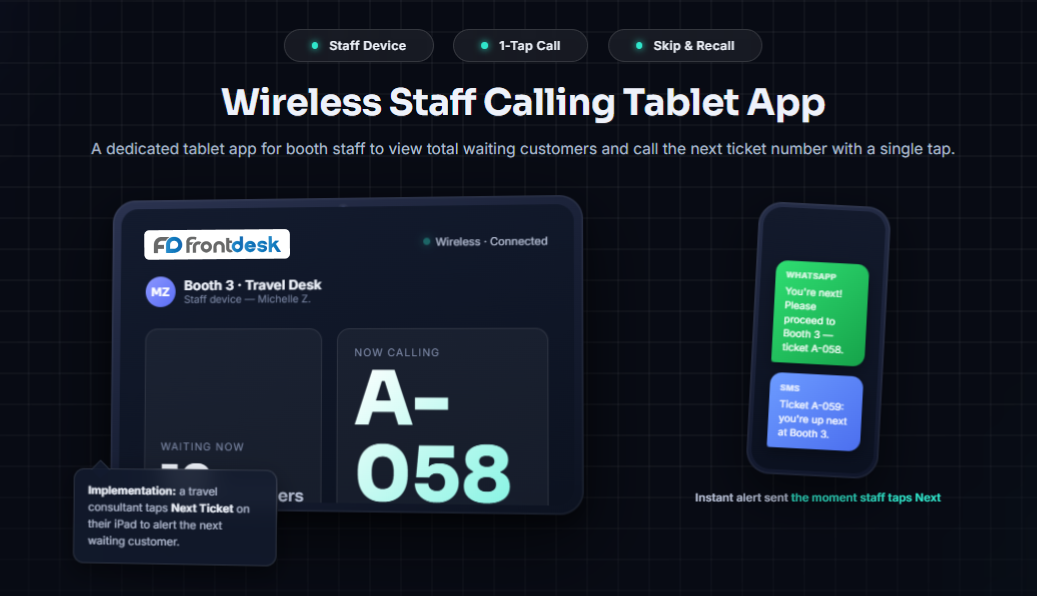
Wireless Staff Calling Tablet App
A dedicated tablet app for booth staff to view total waiting customers and call the next ticket number with a single tap.
Best forLive Overhead Queue TV & LED Display Unit
A high-definition TV screen setup that displays current serving queue numbers alongside promotional brand video ads.
Best for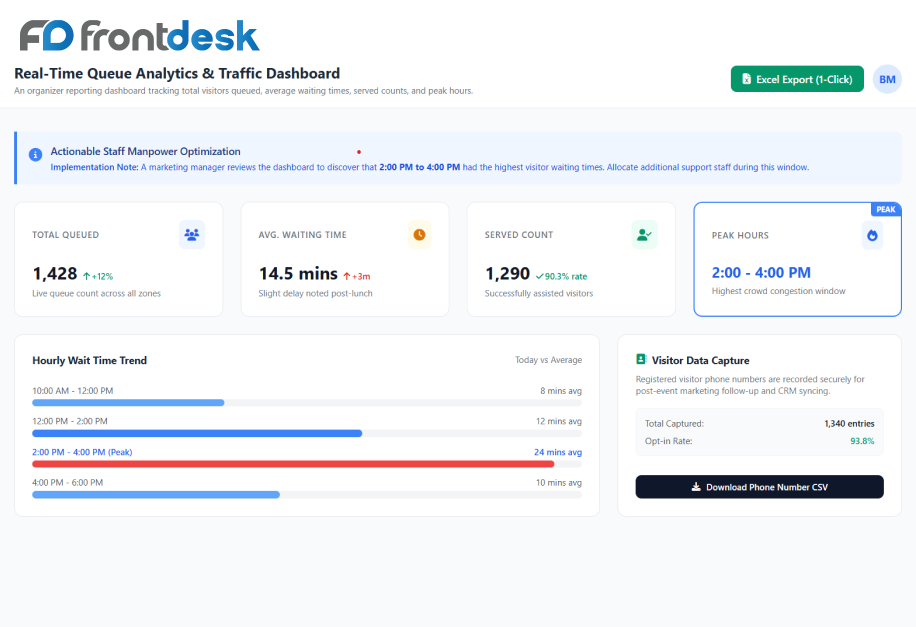
Real-Time Queue Analytics & Traffic Dashboard
An organizer reporting dashboard tracking total visitors queued, average waiting times, served counts, and peak hours.
Best for
No technologies match your search. Please try another keyword.
Where it is used
Busy exhibition and roadshow booths
Visitors take a number by QR or kiosk and are called by WhatsApp or SMS, so the aisle stays clear.
Clinics
Patients register on arrival and wait wherever is comfortable until they are alerted.
Banks and service centres
Customers join the queue and watch their position on their phone instead of holding a paper ticket.
Connect the parts of the workflow that should work together.
- Our queue management system integrates with WhatsApp Business API, SMS delivery gateways, thermal ticket printers, touchscreen kiosks, wireless calling tablets, and overhead LED screen controllers.
- Easily capture customer phone numbers, trigger instant turn notifications, and display real-time queue numbers across your booth.
- For guest sign-up and arrival, combine this with our Event Registration and Check-In & Badge Printing.