WhatsApp Automation
Connects WhatsApp to your CRM and stock, sends approved templates automatically and answers routine questions with AI.
Discuss your workflow- Targeted Template Campaigns & Audience Segmentation
- Automated Abandoned Cart Recovery
- AI Intent Recognition Chatbot
- Real-Time CRM & System Sync
Sound familiar?
When the WhatsApp Business app is no longer enough
Time-Consuming Manual Messaging
Your team may spend hours repeatedly typing the same answers for different customers every day.
Broadcast Delivery and Account-Restriction Risks
Sending unsolicited bulk messages or using unapproved messaging methods can result in failed deliveries, customer complaints or WhatsApp messaging restrictions.
Disconnected Systems and Slow Stock Checks
Staff must check the CRM or inventory system manually before responding to buyers about stock availability or order status.
Lost Sales from Abandoned Carts
Customers may leave before completing their purchases without receiving a timely follow-up message.
Disorganised Leads and Limited Team Collaboration
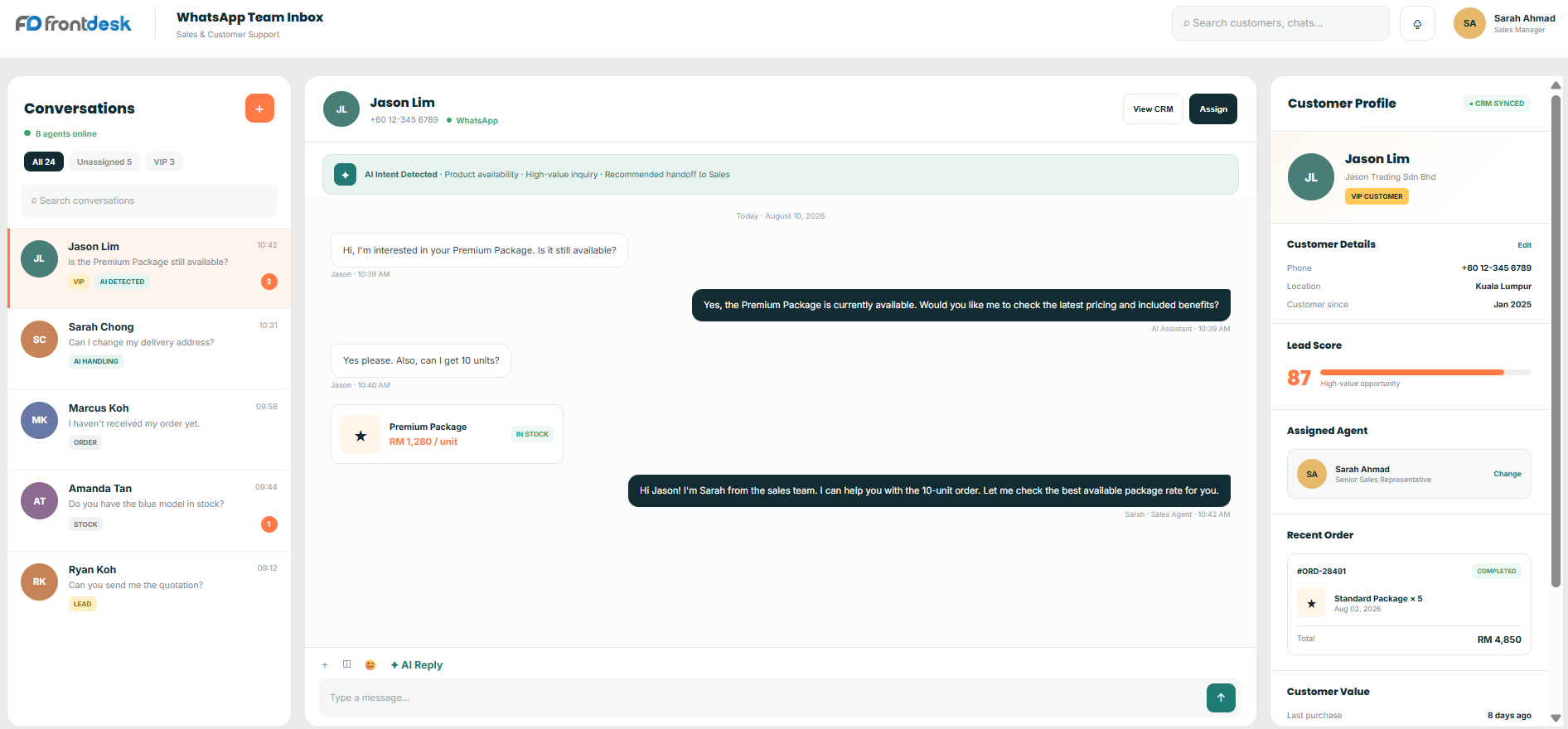
Without a shared inbox, multiple sales representatives may struggle to coordinate conversations, causing customer leads to be overlooked or handled inconsistently.
Basic Chatbots Cannot Handle Complex Enquiries
Basic menu-based chatbots offer limited options and may frustrate customers who require more specific assistance.
Clear skies ahead
WhatsApp tools for sales and support
Targeted Template Campaigns & Audience Segmentation
Segment customers by purchase history or lead stage before sending approved promotional or sales-message templates to opted-in recipients.
Automated Abandoned Cart Recovery
Send an approved template message after a configured period, such as one hour, when a customer leaves an item in their cart, together with a direct checkout link.
AI Intent Recognition Chatbot
The AI assistant analyses incoming messages, identifies requests such as order-status or refund enquiries and responds using approved business information.
Real-Time CRM & System Sync
Customer selections, lead scores and conversation records are automatically synchronised with your CRM database.
Dynamic Lead Routing to Sales Staff
The system routes high-value enquiries or VIP customers to specific sales representatives based on criteria such as cart value or location.
Order Tracking & Delivery Updates
Send shipping confirmations and tracking links automatically whenever the order status changes in your ERP system.
Try it yourself
See what your customer receives
Type your name and press send. These are the kind of approved WhatsApp templates the system sends by itself when an order moves or a cart is left behind.
Hi there, thanks for your order. We are packing it now.
Your flight plan
A Four-Step Process for Launching Your WhatsApp Automation System
- 1
Connect Your Business Systems
We integrate the WhatsApp Business Platform with your CRM, inventory system, POS or database so information can flow in both directions.
- 2
Configure Approved Message Templates
We configure and submit outbound templates for order updates, cart recovery and promotional campaigns to Meta for approval.
- 3
Configure the Inbound AI Assistant
We configure the AI assistant using your product information, FAQs and approved knowledge sources so it can respond to supported customer enquiries.
- 4
Launch the Shared Inbox
Your sales team receives access to the shared inbox while the automated system handles supported repetitive conversations.
A closer look at the process
Less manual messaging, automatic follow-up, faster replies
Automatic 24/7 Response
The AI assistant can respond to supported customer enquiries outside office hours and escalate requests that require human assistance.
Direct Database Connection
Customers can request order-status or stock information through WhatsApp without requiring staff to search spreadsheets or internal systems manually.
Event-Triggered Follow-Up
The system sends order confirmations and abandoned-cart reminders automatically based on configured business events.
Worth a detour
What the WhatsApp automation does, in detail
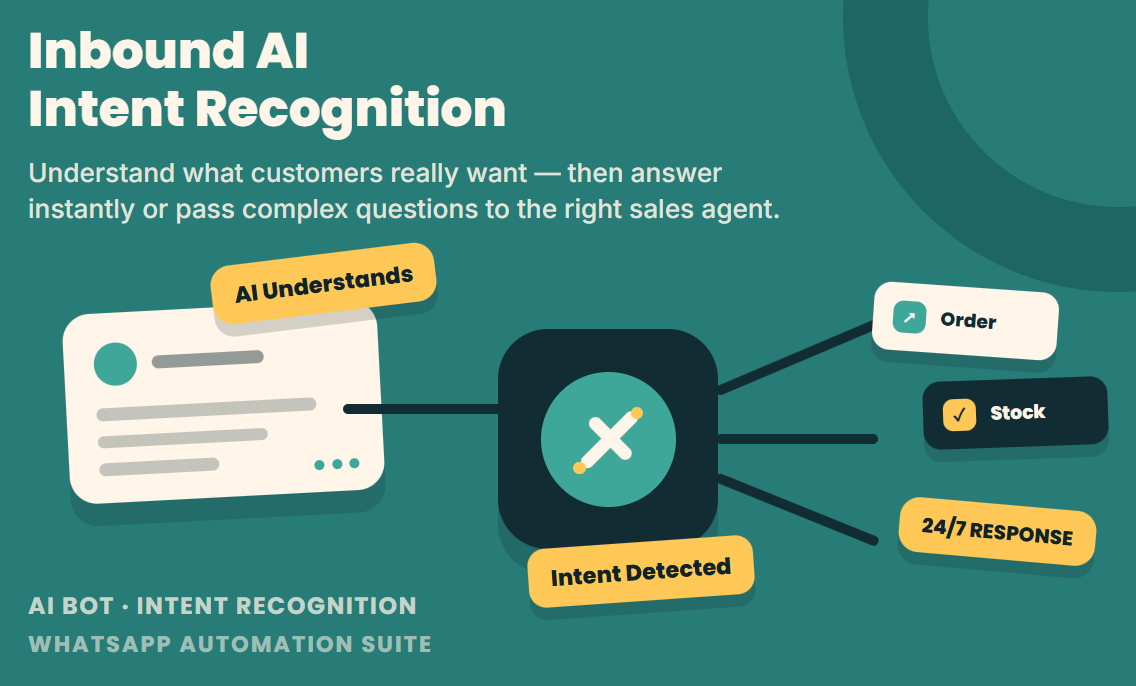
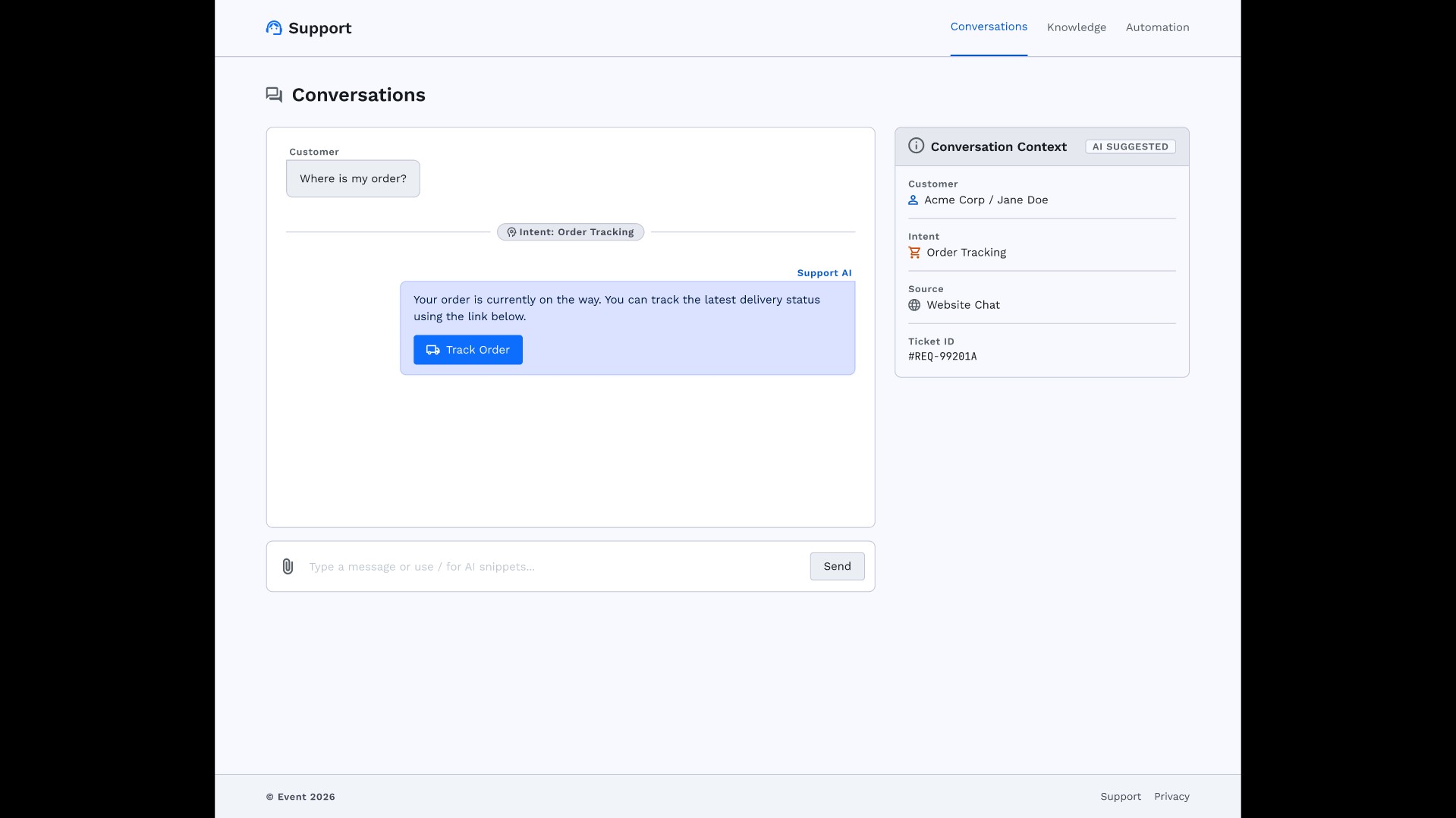
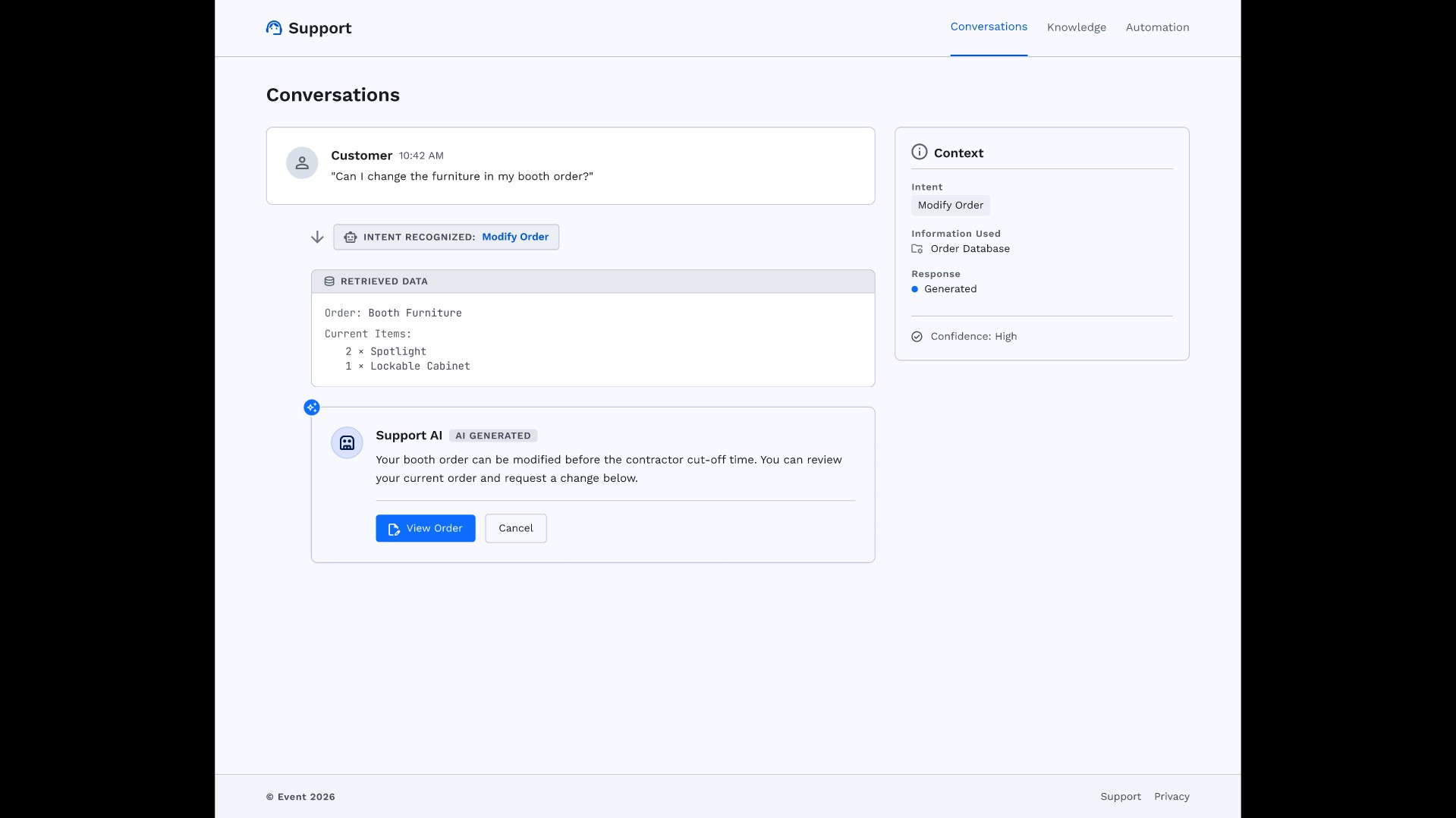
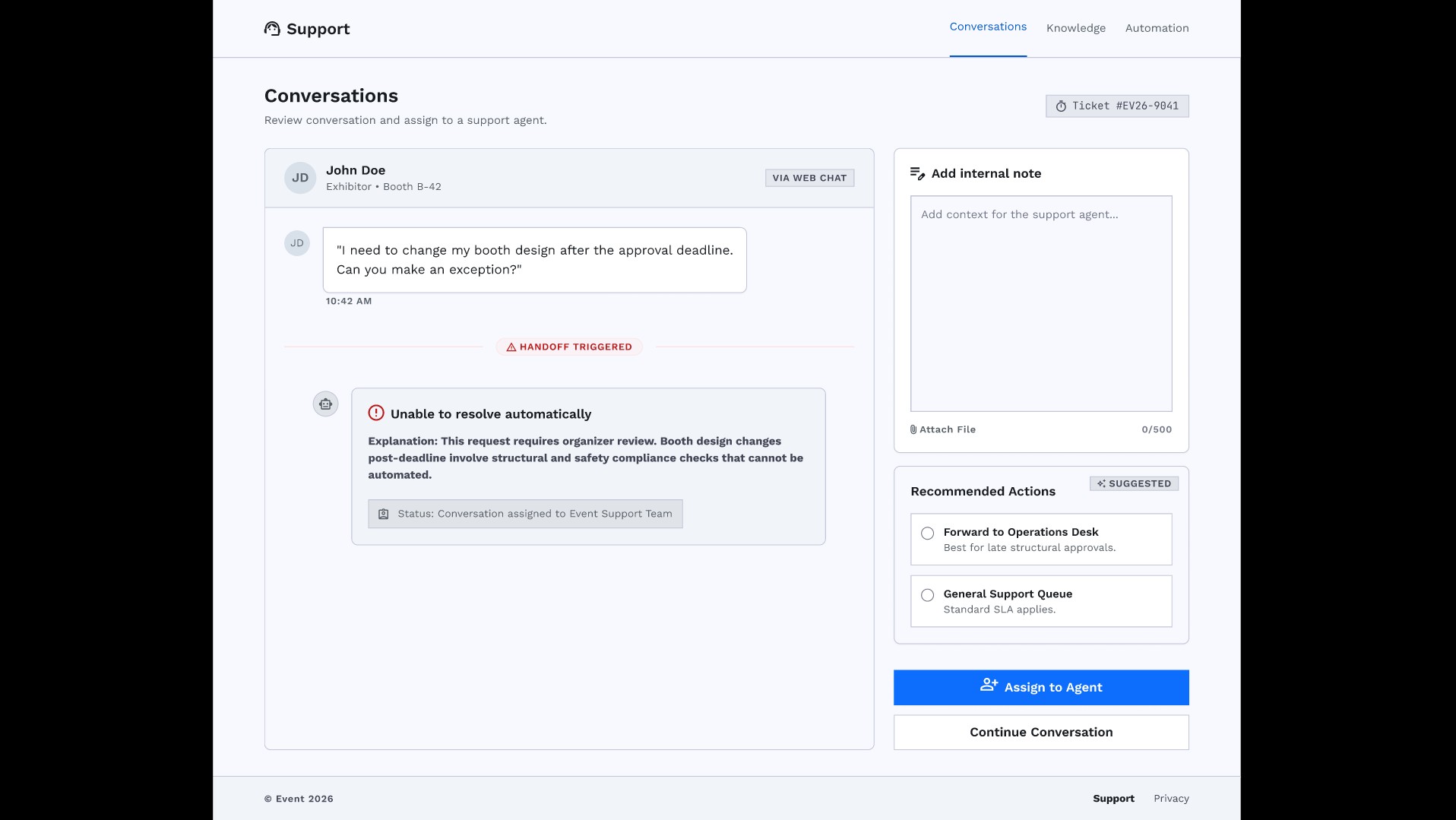
Inbound AI Intent Recognition
A trained AI model that read typing from customer and understand what they want.
Best for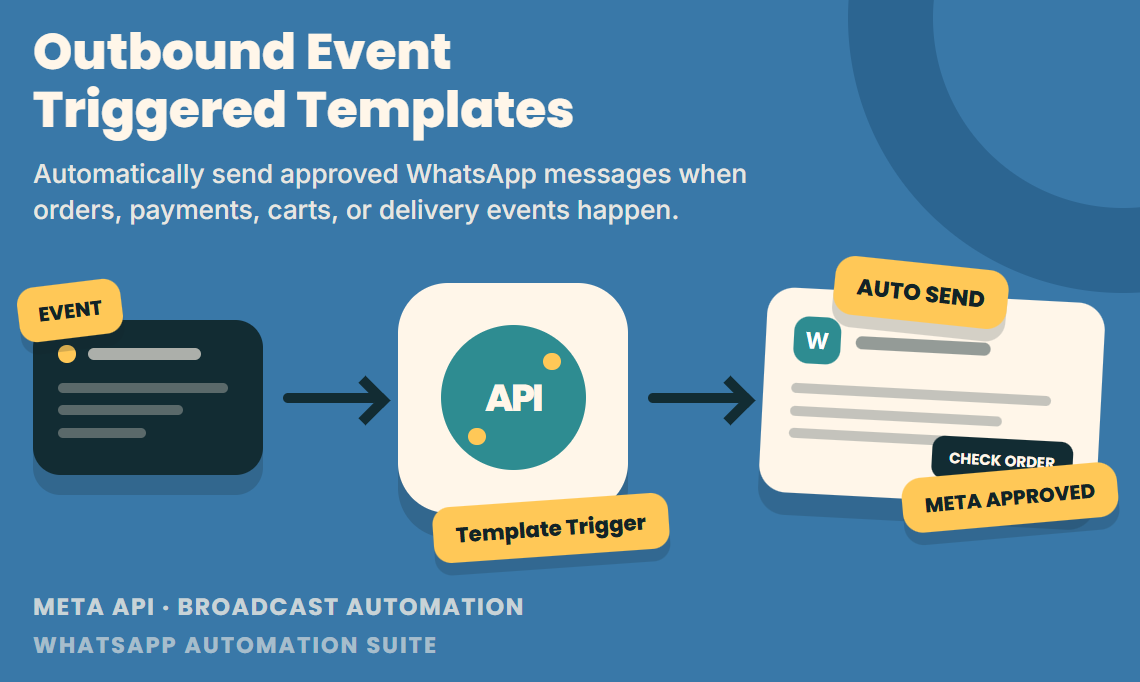
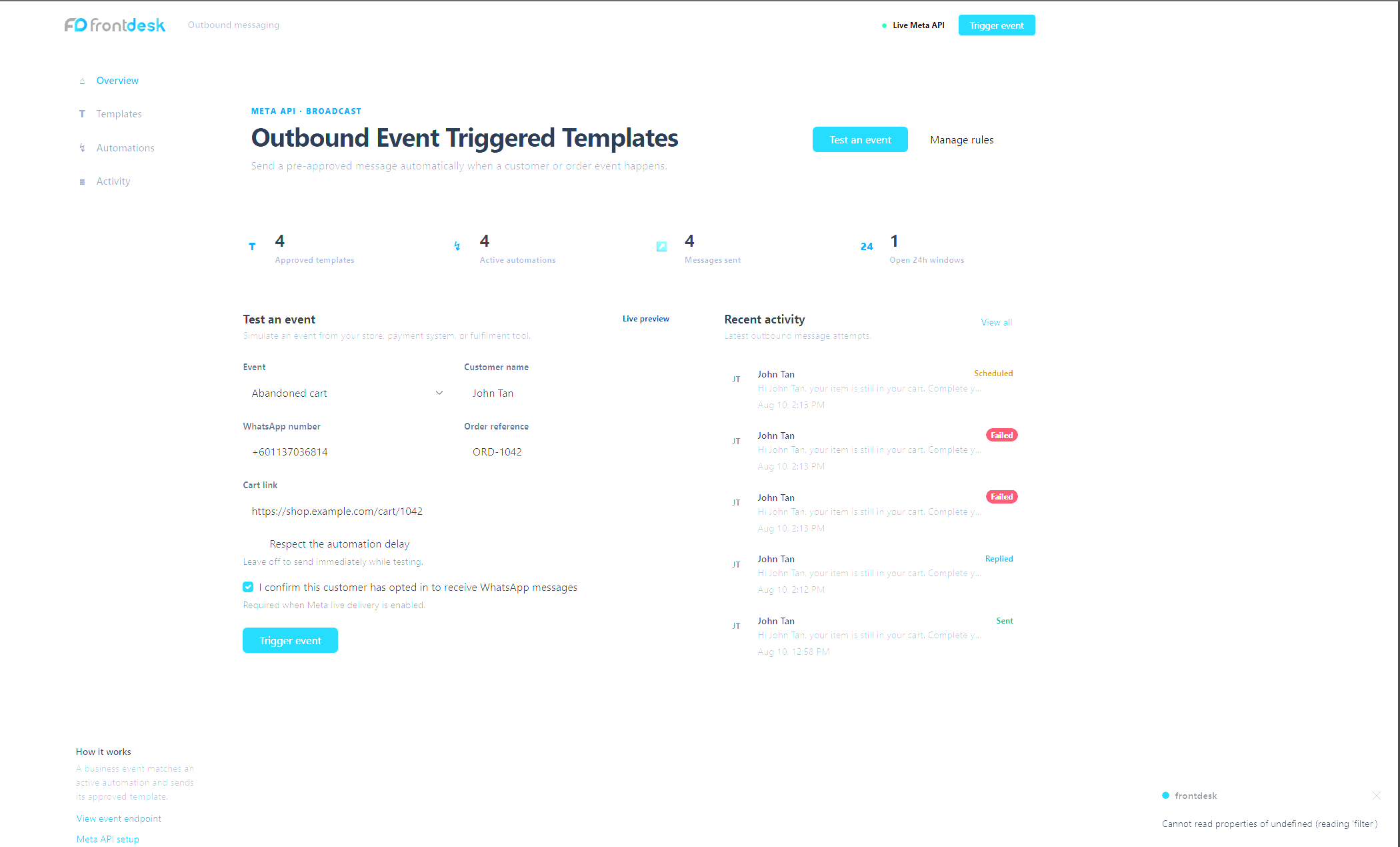
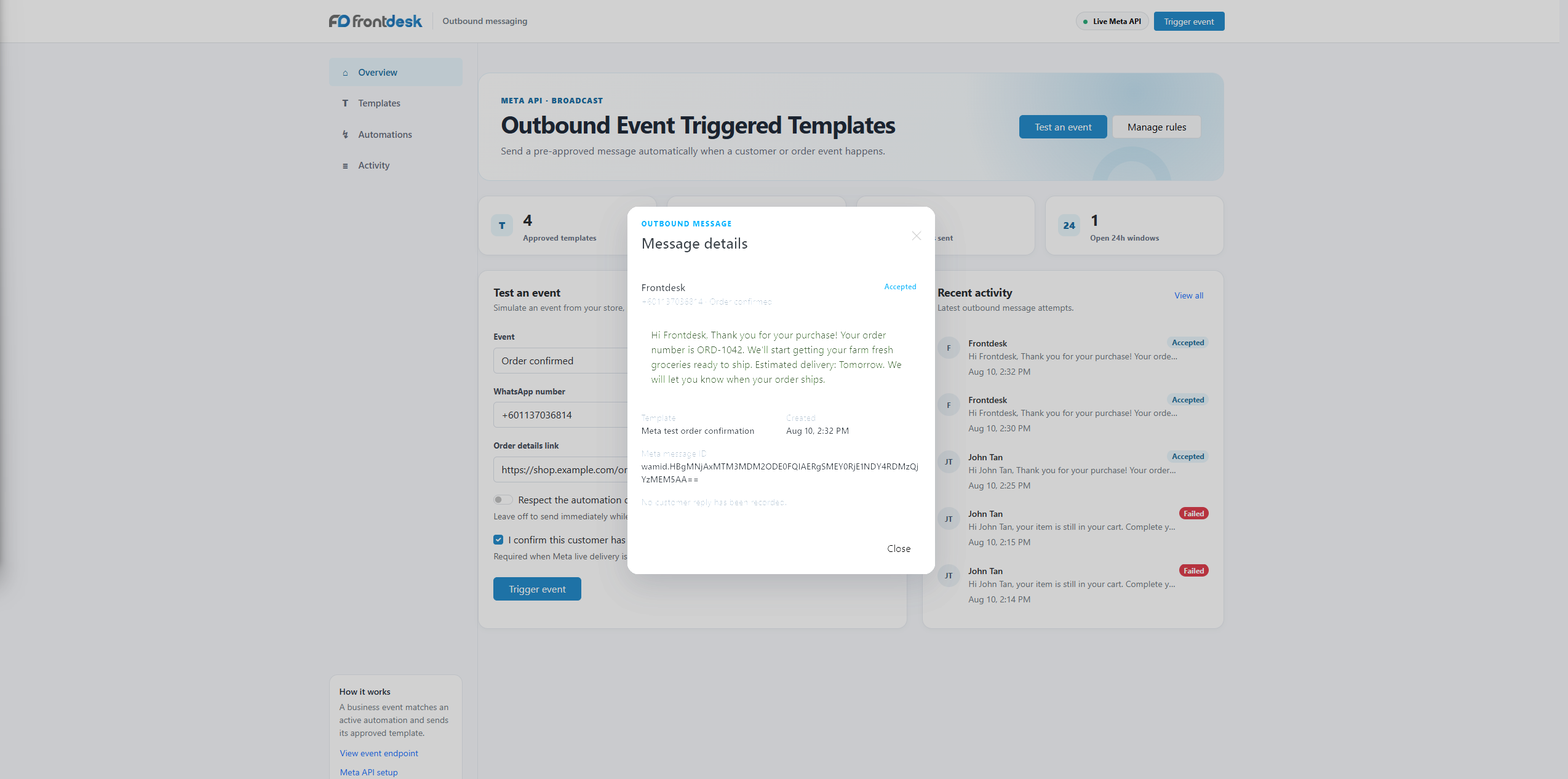
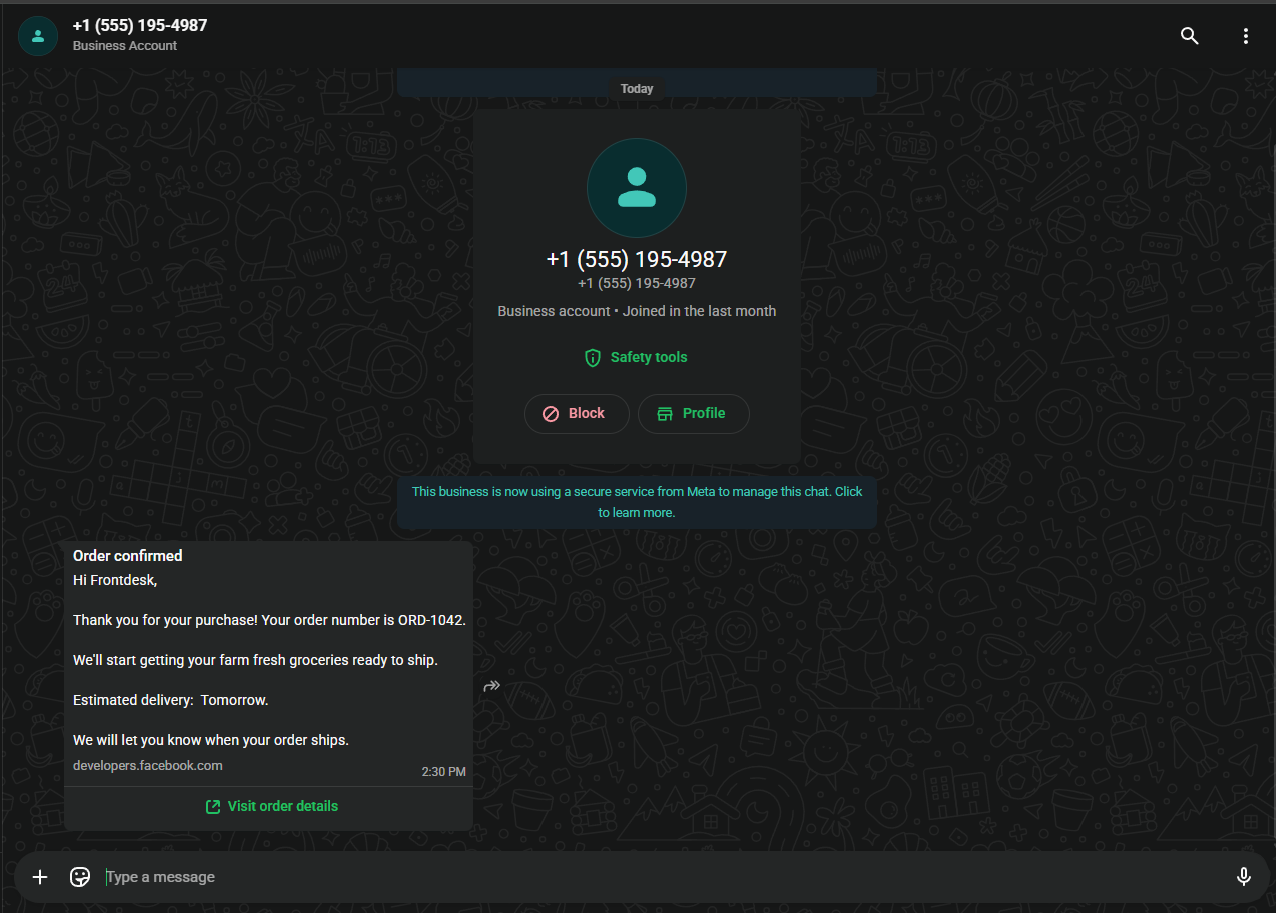
Outbound Event Triggered Templates
Pre-approved Meta message template that send automatically when system event happen.
Best for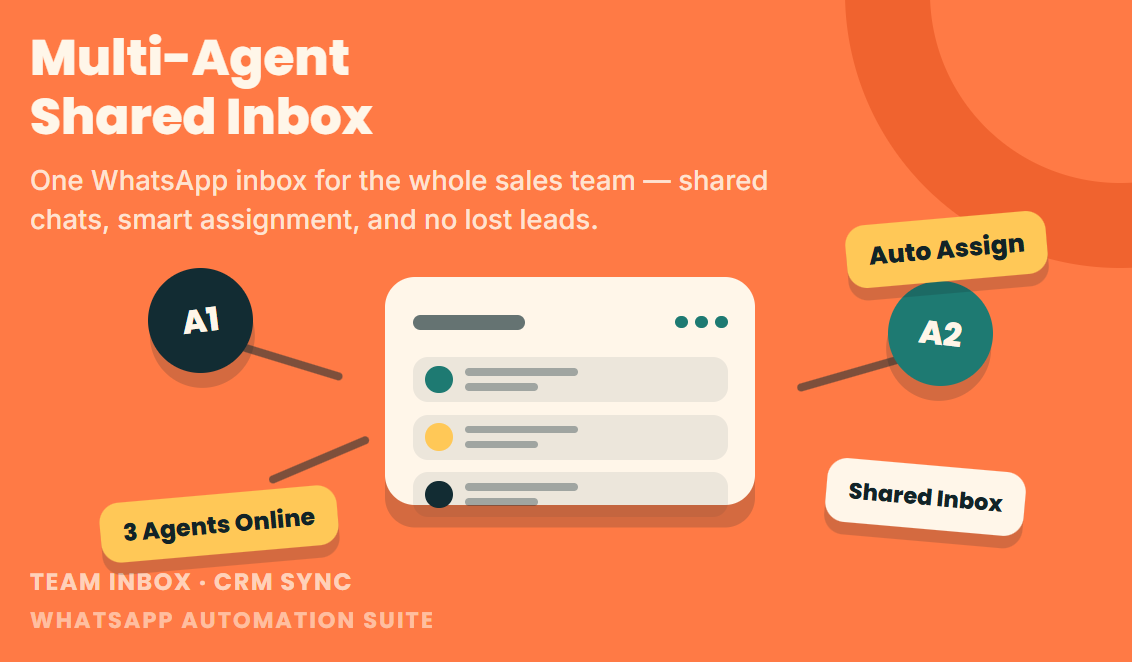
Multi-Agent Shared Inbox
A centralized dashboard where all sales rep can log in and view customer chat.
Best for
No technologies match your search. Please try another keyword.
Where it is used
Businesses taking orders and enquiries on WhatsApp
Several staff answer from one shared inbox, and routine questions are handled by an AI chatbot.
Online stores
Customers receive order and delivery updates automatically, and abandoned carts get a reminder.
Sales teams
New enquiries are routed to a salesperson and saved to the CRM.
Connect the parts of the workflow that should work together.
- Our custom WhatsApp solution connects with your existing CRM, ERP, e-commerce platform and POS database.
- Stock information, order details and customer records can be synchronised across connected systems, reducing manual data entry.
- For custom automation or hardware integration not listed here, see our Custom Software Development.